YouTube SEO Tool
Everything a video needs before you hit upload — written for the way your viewers actually search.
Try it freeYouTube SEO means writing the parts around your video — the title, description, tags and hashtags — so that both YouTube and the people searching can tell what it is about. It does not make a weak video successful, but it decides whether a good video is ever found.
Most creators do this last, in a hurry, minutes before uploading. That is where views leak away. This tool takes one line about your video and prepares all of it in a few seconds, so the part that decides your reach is not the part you rush.
What’s new in the SEO tool
Every title now gets a score from 0 to 100 with clear reasons, and a phone preview shows exactly where it gets cut off. A real competition check looks at the top 10 videos for any keyword and rates it Easy, Medium or Hard.
The description builder checks your first lines, turns your video plan into chapters and adds your saved footer. For videos you have already uploaded, “Fix an old video” scores each part, reviews the real thumbnail and writes a better title, description and tags.
What you get from one topic
Write your topic once and you get back several title options to choose from, a description written for the first two lines that viewers actually read, a long keyword list, and hashtags that match.
Each part can be copied on its own, so you can take the description and write your own title, or the other way round. Nothing is forced on you.
It starts from real searches, not guesses
Before writing anything, the tool pulls the suggestions YouTube itself shows when someone starts typing your topic. Those suggestions are real demand — phrases people are typing today.
This matters most in Indian languages, where an English-only tool gives you words nobody searches. If your viewers type “views kaise badhaye”, that is what your video should be optimised for, not “how to increase views”.
Hindi, Hinglish and English
Choose the language your audience uses and the whole output follows it, including the description. Hinglish is supported properly, because that is how a very large number of Indian viewers search.
You can also translate a finished description into another language if you want to reach a second audience with the same video.
Where the title matters most
Of everything this tool writes, the title does the heaviest work. It is what a viewer reads next to your thumbnail and what YouTube matches against a search.
A workable title has the real search phrase near the front, stays under about 60 characters so it is not cut off on phones, and makes a clear promise instead of a vague tease.
How to use it
- Write your video topic in one line, as specific as you can.
- Pick the language your audience searches in.
- Generate, then choose the title you like from the options.
- Copy the description, keywords and hashtags into your upload.
Questions creators ask
Is this YouTube SEO tool free?
Yes, you can start free without a card. Paid plans raise the daily limit and open the other tools, but the basic SEO generation is available on the free plan.
Will SEO alone get my video more views?
No, and anyone promising that is selling something. SEO decides whether the right people can find your video. Whether they click and stay depends on your thumbnail, your first 30 seconds and the video itself.
Does it work for Shorts?
Yes. Shorts still carry a title, description and tags, and they still get searched. Keep the title shorter and put the main phrase first.
What language should I write my title in?
The one your viewers type in. For most Indian creators that is Hindi or Hinglish, even when the topic is technical. Copying English titles from big foreign channels usually costs you reach.
Can I use it for videos I already uploaded?
Yes, and it is often the fastest win available. Rewriting the title and description of an older video that gets a few views can lift it, because YouTube re-evaluates it.
How is this different from writing it myself?
Nothing stops you writing it yourself, and you should edit what you get. The tool mainly saves you the research — finding the phrases people are actually searching for right now.
📚 Guides for this tool
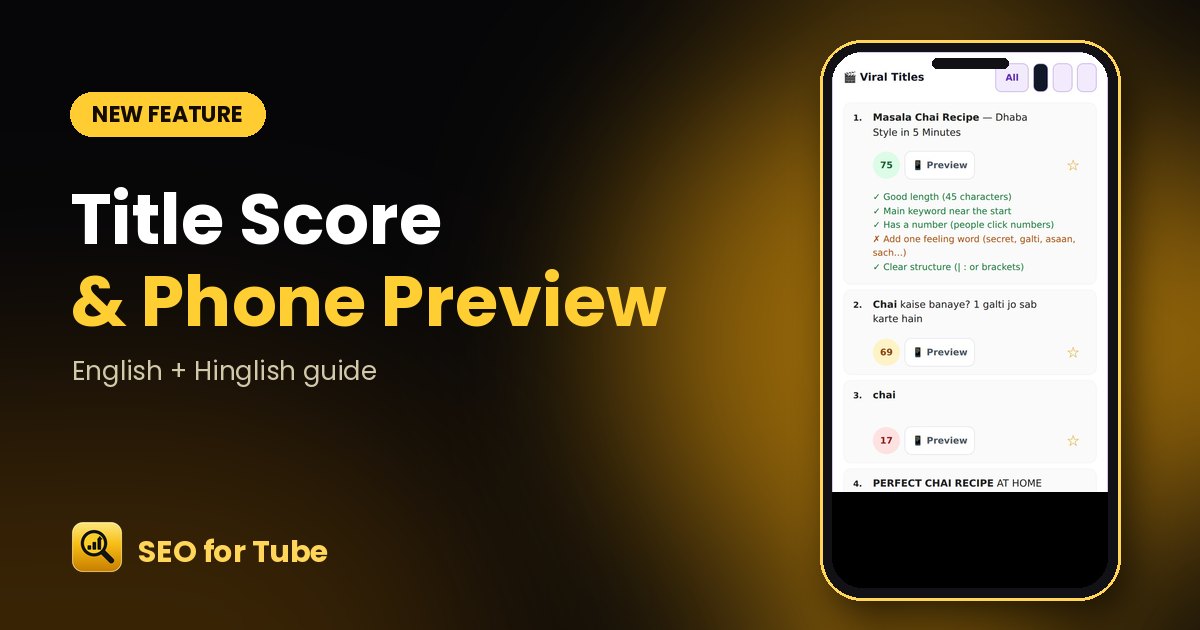 YouTube Title Score Checker: Know if Your Title Gets ClicksScore every YouTube title from 0–100, see why, and preview how it looks on a phone before you publish. Free i…
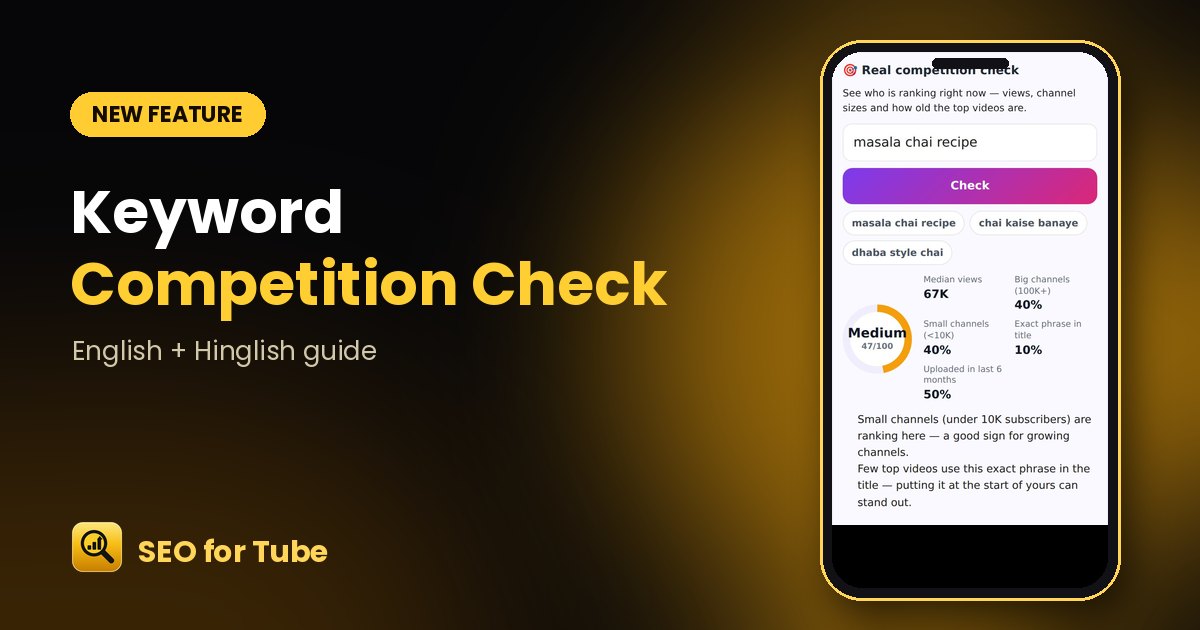 YouTube Keyword Competition Checker: Easy, Medium or Hard?Check real competition for any YouTube keyword: views, channel sizes and video age of the top 10 results, wit…
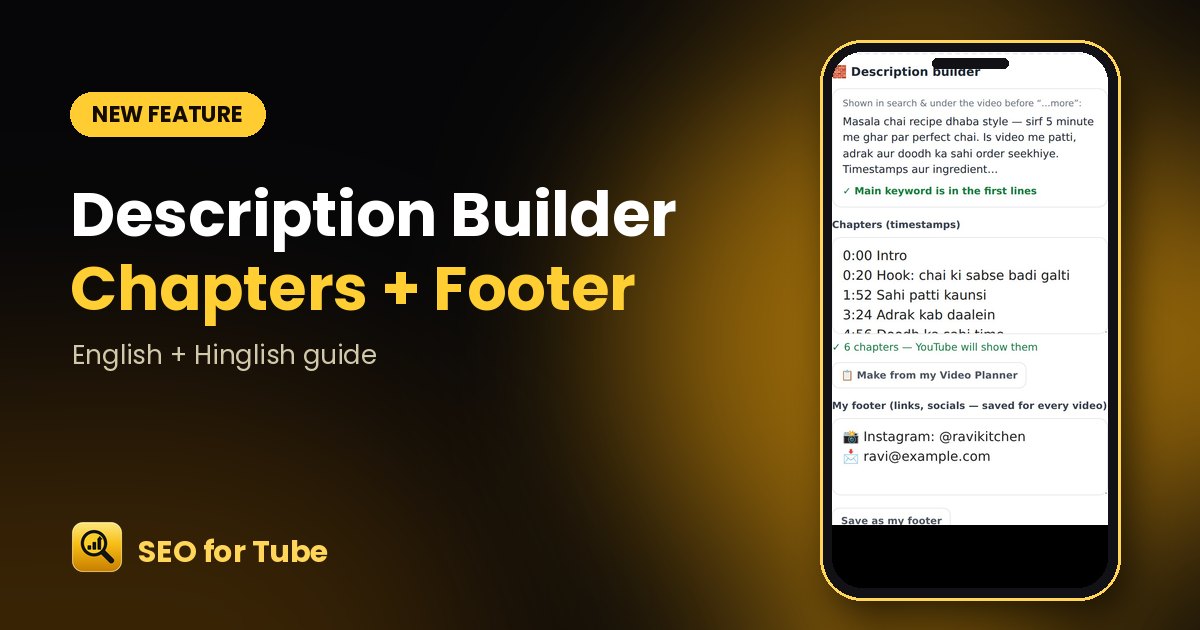 YouTube Description Builder: Chapters, Footer & First Lines CheckBuild a complete YouTube description: check the first lines, add chapters from your video plan and a saved fo…
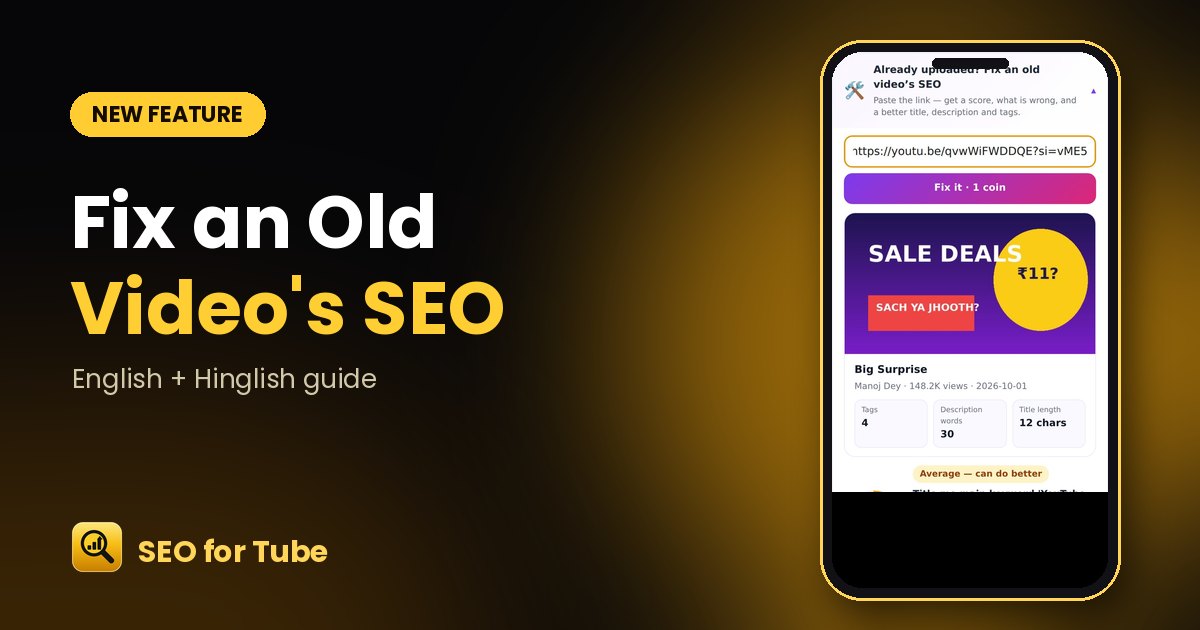 Fix an Old YouTube Video’s SEO: Score, Problems and a Better VersionPaste the link of any uploaded video: get an SEO score, part-by-part scores, clear fixes and a better title, …
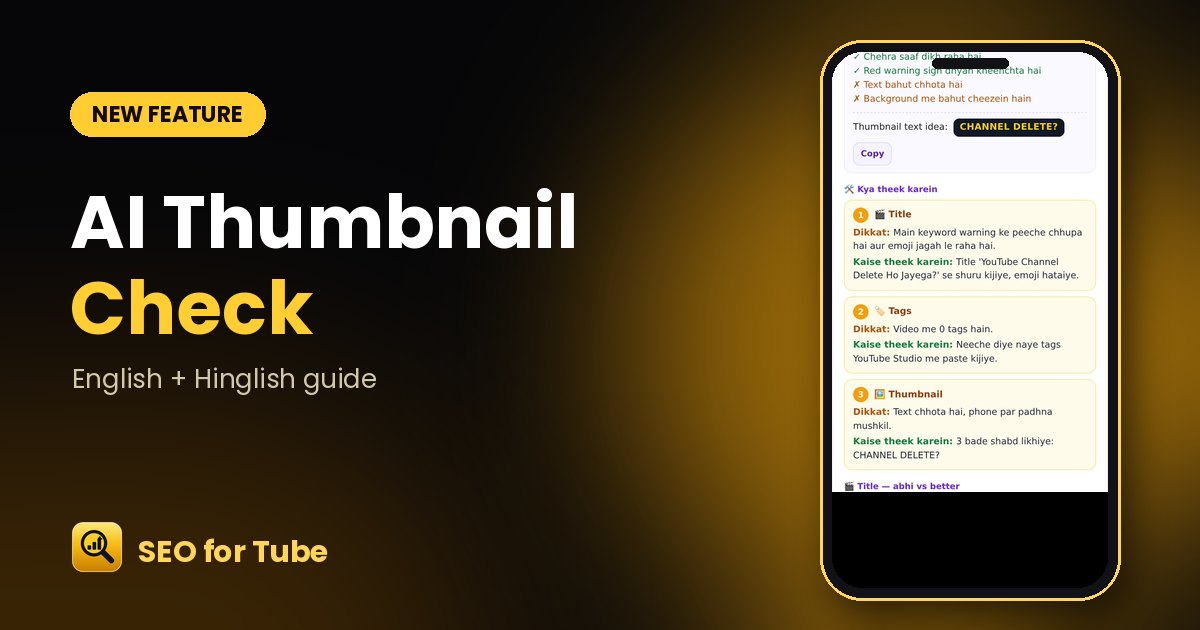 AI Thumbnail Check: What Works and What to Fix in Your ThumbnailOur AI looks at your actual thumbnail and tells you what works, what to change and the 2–4 words to put on it…
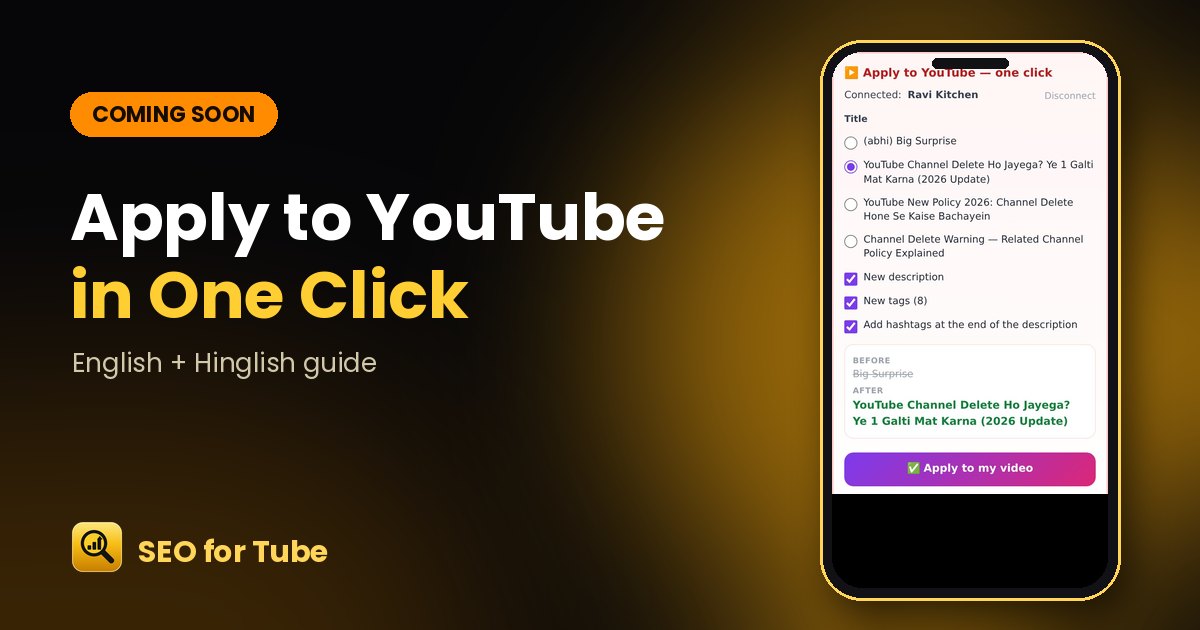 Coming Soon: Apply SEO to Your YouTube Video in One Click, With UndoComing soon to SEO for Tube: choose a better title, description and tags, see before and after, and apply the…