🇬🇧 Read in English · 🇮🇳 Hinglish me padhiye
🇬🇧 English
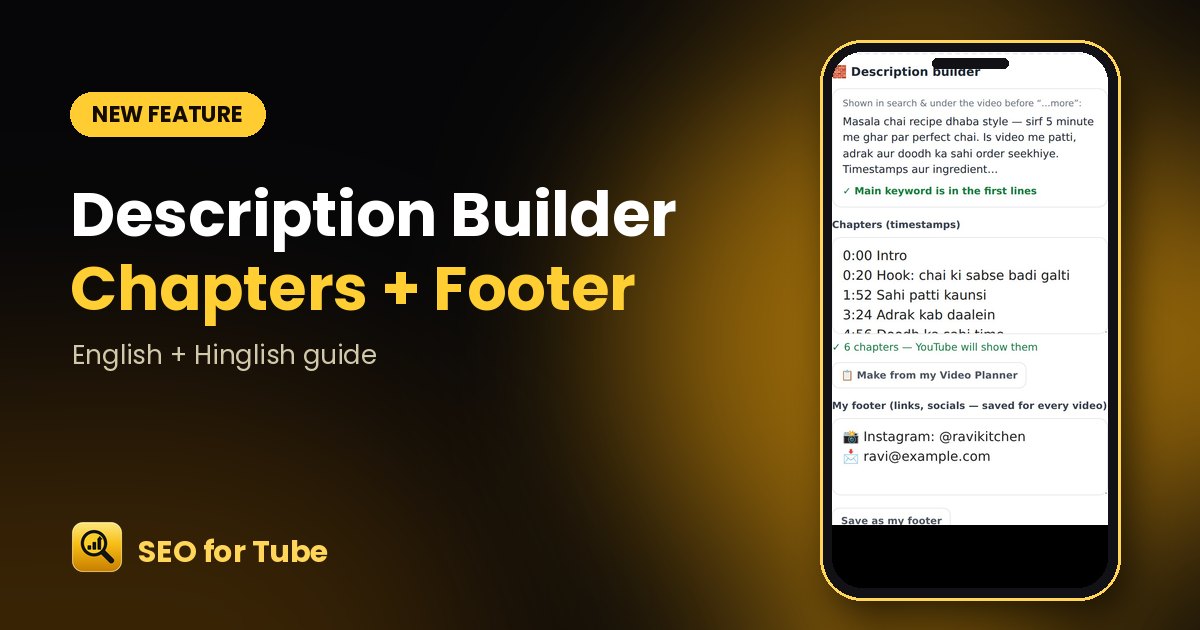
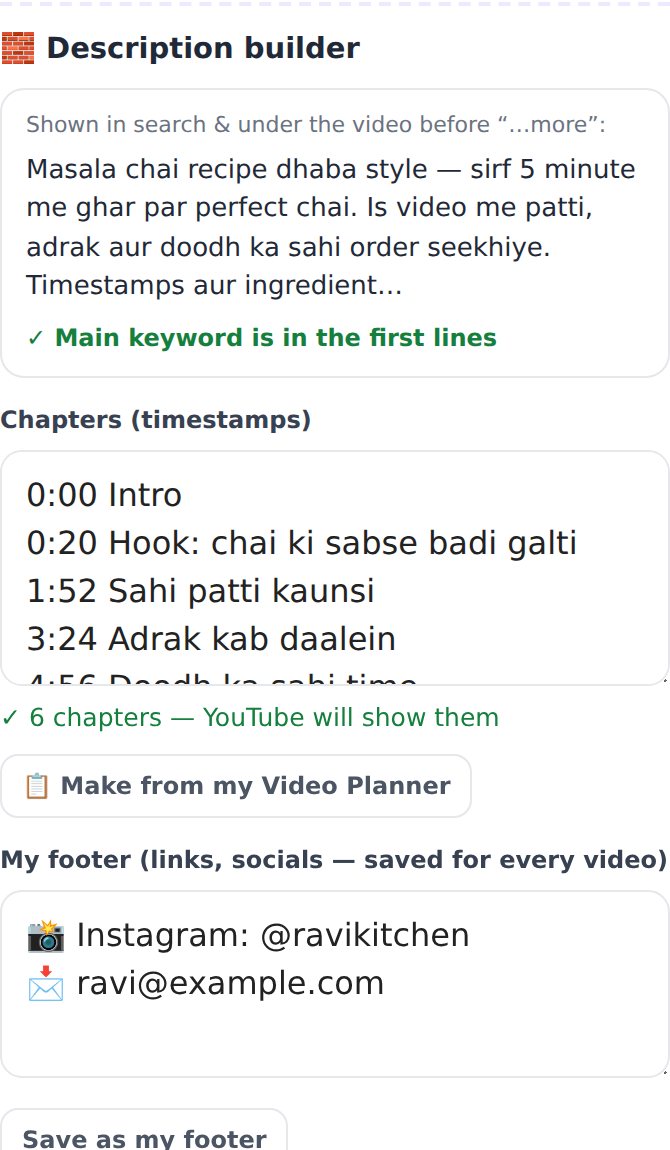
The first two lines of your description show in search, chapters help viewers jump around, and your social links should be on every video. The new 🧱 Description builder does all three for you.
How it works
- Generate SEO and scroll to the description.
- Check the “shown in search” preview — it tells you if the main keyword is there.
- Tap “Make from my Video Planner” to turn your talking points into chapters.
- Save your footer once, then tap “Copy full description”.
Why it helps
- Chapters are checked against YouTube rules (start at 0:00, at least 3, 10 seconds apart).
- Your footer is saved and added to every video automatically.
- A live counter keeps you under YouTube’s 5,000-character limit.
FAQ
Why do my chapters not show on YouTube?
YouTube needs the first chapter at 0:00, at least three chapters and 10 seconds between them — the builder checks all of this.
Where is my footer saved?
In your Brand Kit (Channel Brain), so every new description can use it.
🇮🇳 Hinglish
Description ki pehli do line search me dikhti hain, chapters se log seedha zaroori hisse par jaate hain, aur social links har video me hone chahiye. Naya 🧱 Description builder yeh teeno kaam karta hai.
Kaise kaam karta hai
- SEO banaiye aur description tak scroll kijiye.
- “Search me kya dikhega” wala preview dekhiye — main keyword hai ya nahi, batata hai.
- “Make from my Video Planner” se apne points ko chapters me badliye.
- Footer ek baar save kijiye, phir “Copy full description” dabaiye.
Kyon faydemand hai
- Chapters YouTube ke niyam se jaanche jaate hain (0:00 se shuru, kam se kam 3, 10 second ka farq).
- Footer save rehta hai aur har video me apne aap judta hai.
- Ginti ke saath 5,000 akshar ki seema ka dhyan.
Aksar pooche jaane wale sawaal
Mere chapters YouTube par kyon nahi dikhte?
Pehla chapter 0:00 par, kam se kam teen chapters aur beech me 10 second chahiye — builder yeh sab jaanchta hai.
Footer kahan save hota hai?
Aapke Brand Kit (Channel Brain) me, taaki har nayi description me kaam aaye.