YouTube Video Planner
Every video you are making — idea, script, SEO and upload date — in one place.
Plan my videos freeMost creators keep ideas in a notes app, scripts in a chat, titles somewhere else — and something is always missing on upload day. A video planner keeps all of it together, so you always know what to make next.
This planner is built for YouTube: it knows the difference between a long video, a Short and an AI-generated video, it marks the days your channel usually does best, and it tells you the next step for every video.
Long videos, Shorts and AI videos
Pick the type when you start. A long video moves through idea, talking points, SEO and upload. A Short gets a second-by-second plan. An AI video gets ready prompts for each clip, to paste into tools like Gemini (Veo).
All three live in the same list and the same calendar, so your channel keeps a healthy mix instead of drifting to one format.
Always know the next step
Each video shows a small progress bar and a line like “Next: create SEO”. Videos you have not touched for a while are gathered in one button, so nothing is quietly forgotten.
Saving an idea, a plan or a date updates the list straight away — no page refresh.
A calendar that knows your channel
Days your channel usually performs well are marked with a star, based on your own uploads. “Plan my week” places ideas on those days for you. On a phone, tap any day to see its videos.
How to use it
- Choose the type of video — long, Short or AI video.
- Get five ideas for your channel, or type your own topic.
- Follow the next step shown on each video until it is ready.
- Put it on a date — ideally one of your starred best days.
Questions creators ask
Is the YouTube video planner free?
Creating videos, the list and the calendar are free. AI features such as ideas, scripts and plans use coins, shown on each button.
Can I plan YouTube Shorts here?
Yes. Shorts get their own plan: what to say, what to show, captions, sound effects and transitions for each part.
How are the best upload days chosen?
From your own channel’s past uploads — the days your videos usually get more views. Until there is enough data, sensible default days are shown.
Does it work on a phone?
Yes. It is designed for phones first: big buttons, sheets that open from the bottom and a calendar you can tap.
📚 Guides for this tool
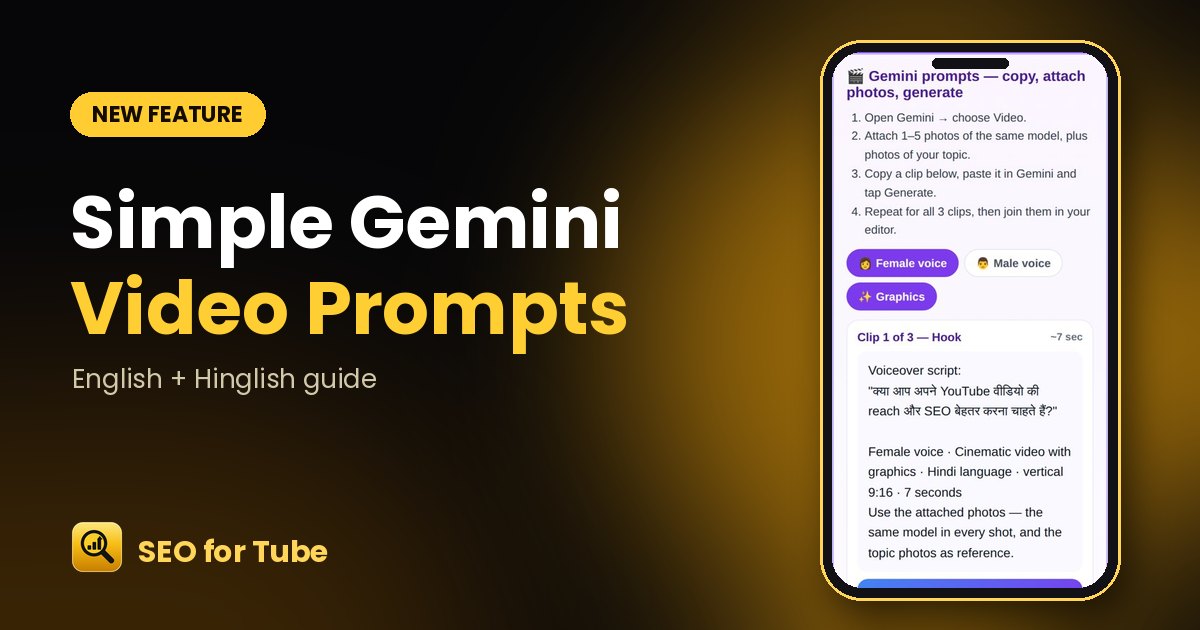 Simple Gemini AI Video Prompts: Copy, Attach Photos, GenerateVideo Planner now gives one short, clean prompt per clip: the voiceover script plus voice, language, style an…
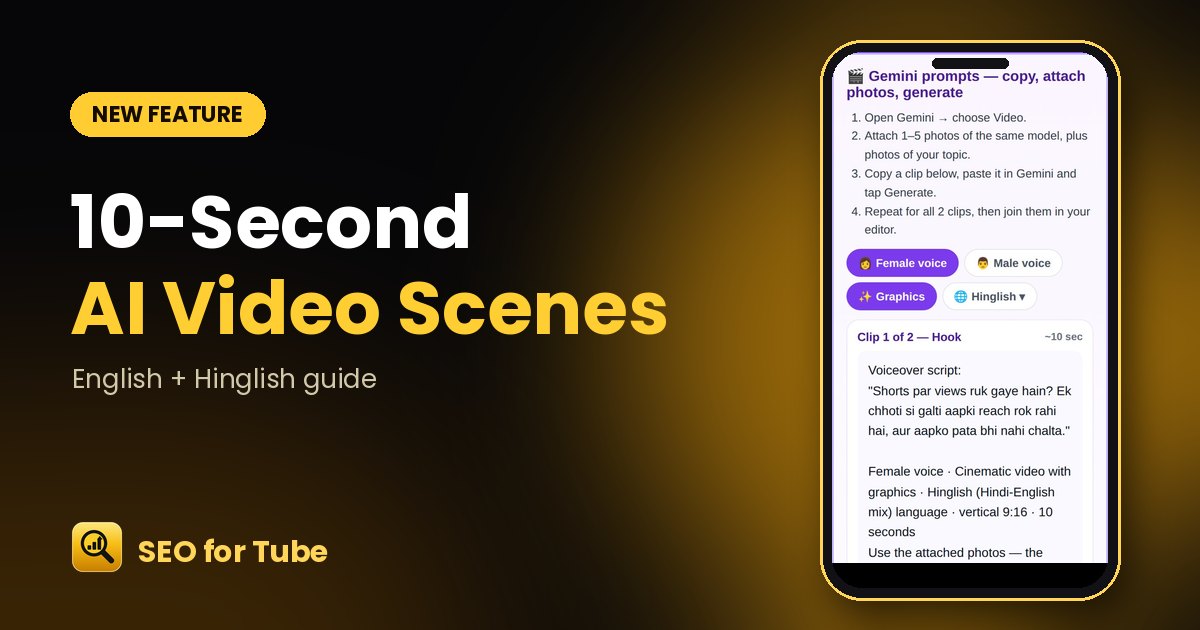 AI Video in 10-Second Scenes: Exact Length, Honest ScriptsPick 10, 20 or 30 seconds and get exactly that: one 10-second scene per clip, scripts that fit, and a warning…
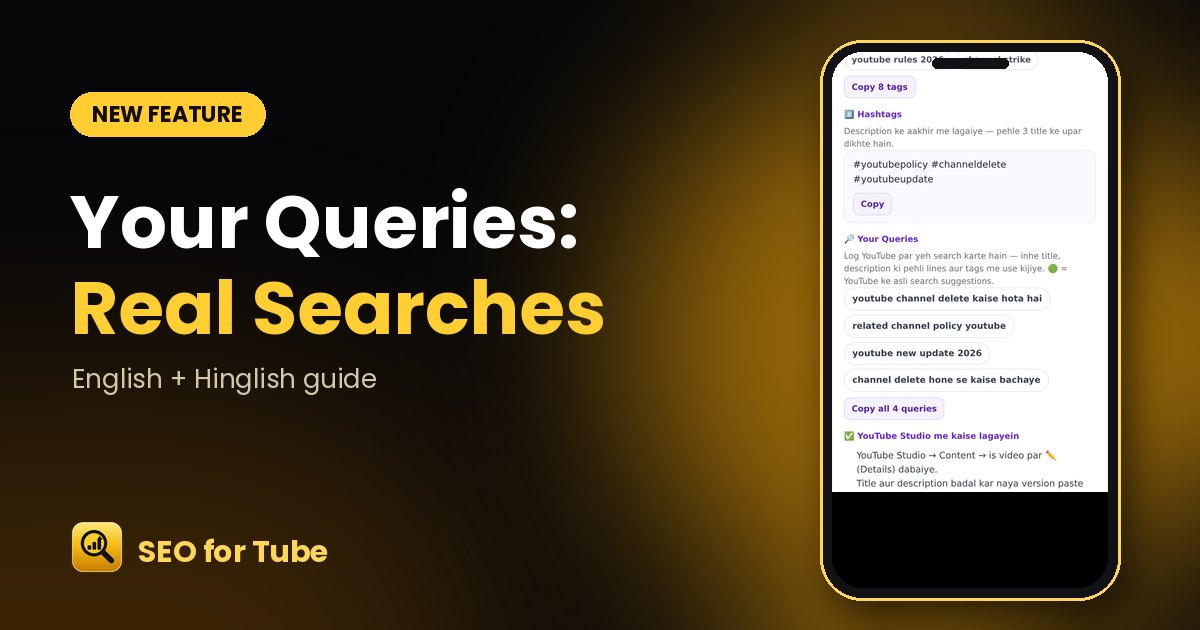 Your Queries: Real YouTube Searches for Your TopicSee what people actually type on YouTube for your topic and use those searches in your title, description and…