YouTube Thumbnail Prompt Generator
Three click-worthy thumbnail ideas for your video — ready to paste into ChatGPT or Gemini.
Get my thumbnail promptsA great video still needs the click, and the click comes from the thumbnail. Writing a good image prompt is a skill of its own — this generator writes it for you, based on your video’s title and keywords.
Four questions
Size (16:9 for videos, 9:16 for Shorts covers, 1:1 or 4:5), who is on it (your photo, an AI model or no face), whether you want text and in which language, and a style from bold to clean to 3D cartoon.
Rules that win clicks, built in
One clear focal point that reads on a small phone, strong contrast, a big face or object, two to four words of text — and never in the bottom-right corner, where YouTube shows the video length.
How to use it
- Open your video and go to the SEO step.
- Answer the four questions.
- Copy the prompt for ChatGPT or Gemini and generate the image.
- Rename the file to the suggested name and upload it in YouTube Studio.
Questions creators ask
Can I use my own photo?
Yes. Choose “My photo” — the prompt asks the image tool to keep your face exactly the same.
Can the text be in Hindi?
Yes. Pick the language for the thumbnail text.
How many ideas do I get?
Three different ideas, each with its own prompt for ChatGPT and for Gemini, plus three short text options.
📚 Guides for this tool
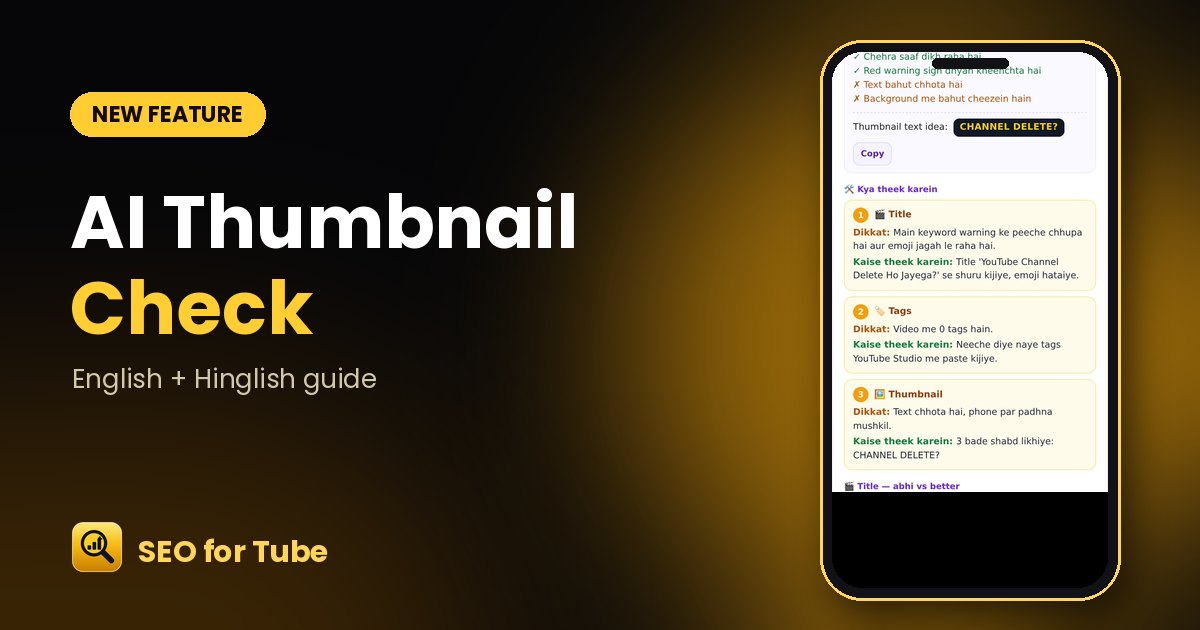 AI Thumbnail Check: What Works and What to Fix in Your ThumbnailOur AI looks at your actual thumbnail and tells you what works, what to change and the 2–4 words to put on it…
 Fix an Old YouTube Video’s SEO: Score, Problems and a Better VersionPaste the link of any uploaded video: get an SEO score, part-by-part scores, clear fixes and a better title, …