YouTube Hashtag Generator
Hashtags that match your video — not a random pile of #viral #trending.
Get my hashtags freeHashtags on YouTube are the clickable words shown above your title. Tapping one opens a page of videos using the same hashtag, which is a small but real way for a new viewer to find you.
They are also widely misused. Adding #viral or #trending to a cooking video does nothing except place it next to millions of unrelated videos, where nobody is looking for you.
How many hashtags to use
Three is the practical answer. YouTube shows the first three above the title, and using more than fifteen anywhere in the description makes YouTube ignore all of them.
Pick one broad hashtag for the subject, one for the specific topic, and one for your channel or series.
Hashtags are not tags
Tags are hidden and only read by YouTube. Hashtags are visible to viewers and clickable. They serve different purposes, and the same words do not always suit both.
A long phrase like "paneer tikka without oven at home" is a fine tag but a poor hashtag. Hashtags should be short and readable.
Where to put them
Put them at the end of your description. The first three will appear above your title automatically. You can also place one inside the title itself, though that uses space a search phrase could take.
For Shorts, hashtags in the description work the same way, and one relevant hashtag in the title is common.
Hashtags in Hindi and Hinglish
Hashtags work in Devanagari as well as Roman script, and both are used in India. Choosing the script your audience writes in matters more than which one looks tidier.
Where a topic is searched in both, using one of each is reasonable — but keep the total small.
How to use it
- Enter your video topic.
- Choose the language your audience uses.
- Copy the hashtags — keep three for the top of your video.
- Paste them at the end of your description.
Questions creators ask
How many hashtags should I use on YouTube?
Three visible ones is the practical answer. Using more than fifteen in the description makes YouTube ignore all of them.
Do hashtags increase views?
A little, and indirectly. They help people browsing a topic find you. They do not push your video into the feed on their own.
Should I use #viral or #trending?
No. Those pages are full of unrelated videos and nobody browses them looking for your topic. Relevant hashtags do more with less.
Where do hashtags appear on a video?
The first three from your description show above the title as clickable links.
Can hashtags get my video removed?
Misleading hashtags break YouTube's spam policy, so unrelated or misleading ones are a real risk. Relevant ones are safe.
Do hashtags work on Shorts?
Yes, the same way. One relevant hashtag in the title and a few in the description are normal.
📚 Guides for this tool
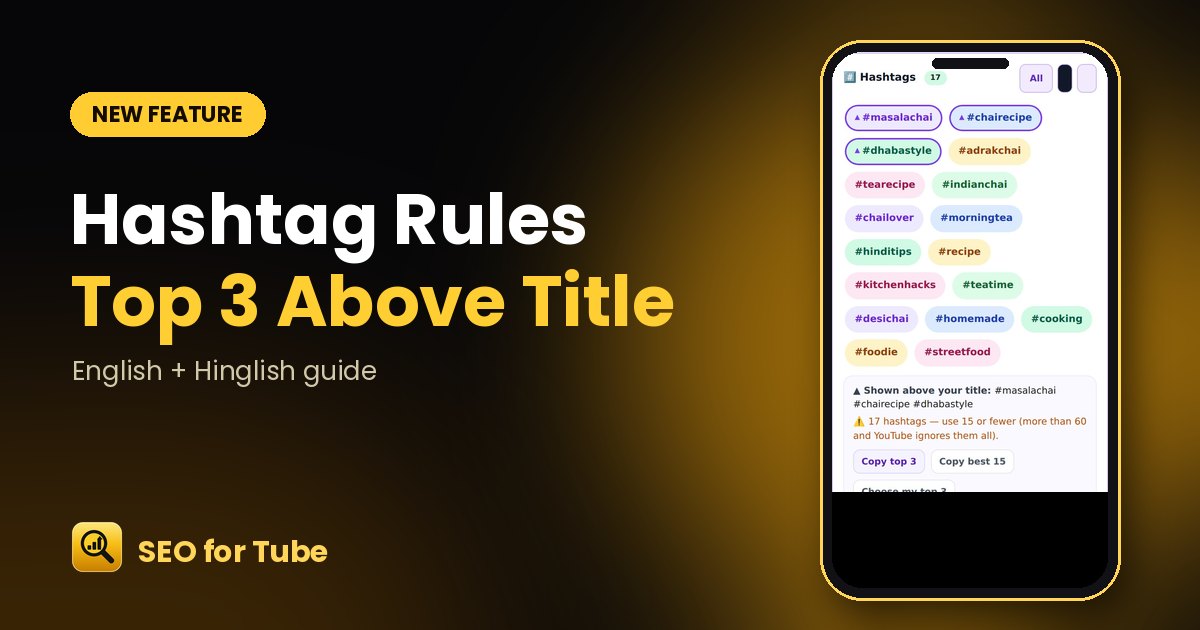 YouTube Hashtags: Choose the Top 3 That Show Above Your TitleOnly the first 3 hashtags show above your YouTube title. Pick them on purpose, stay within the limit and copy…
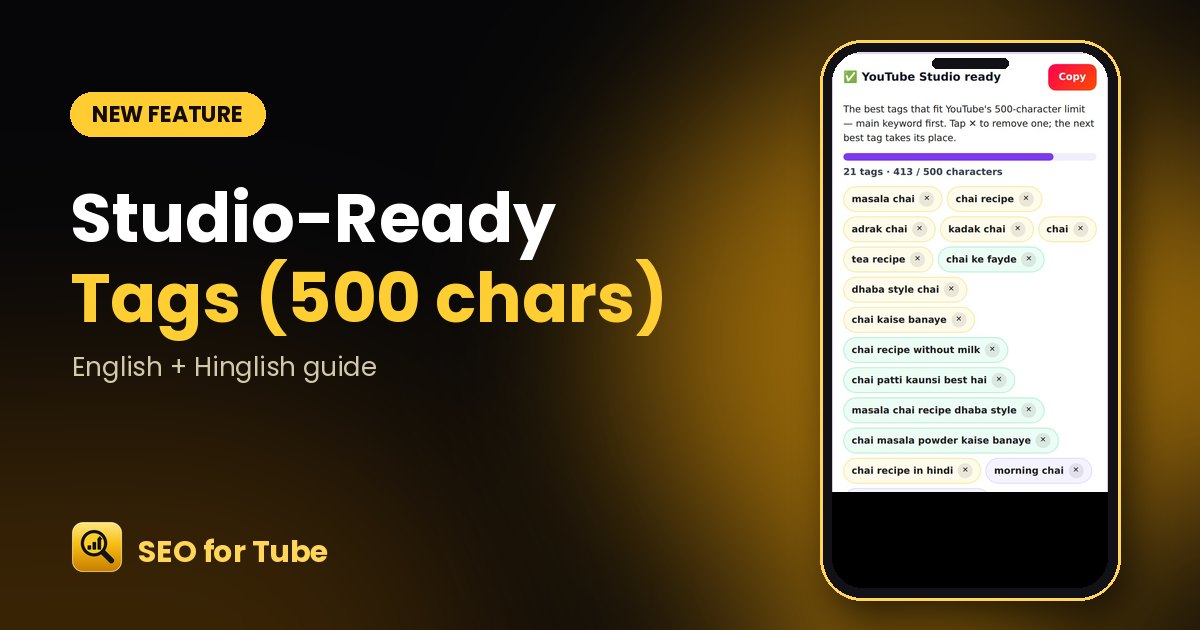 YouTube Tag Generator: Studio-Ready Tags That Fit the 500-Character LimitGet the best YouTube tags packed into YouTube Studio’s 500-character box, main keyword first. Tap ✕ to remove…