🇬🇧 Read in English · 🇮🇳 Hinglish me padhiye
🇬🇧 English
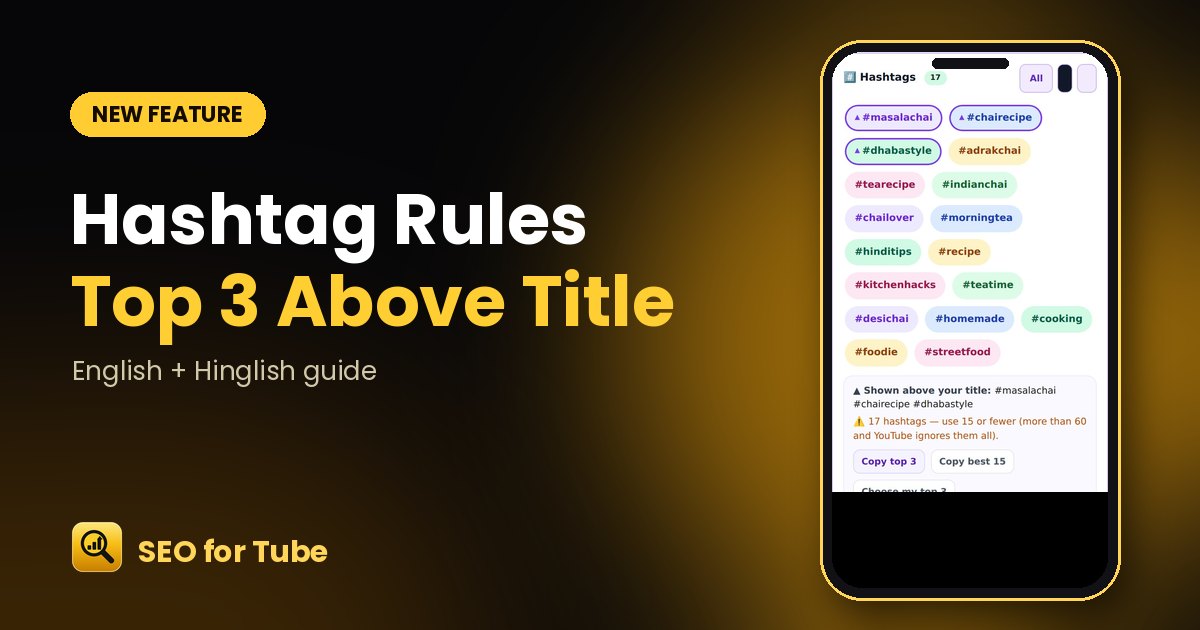
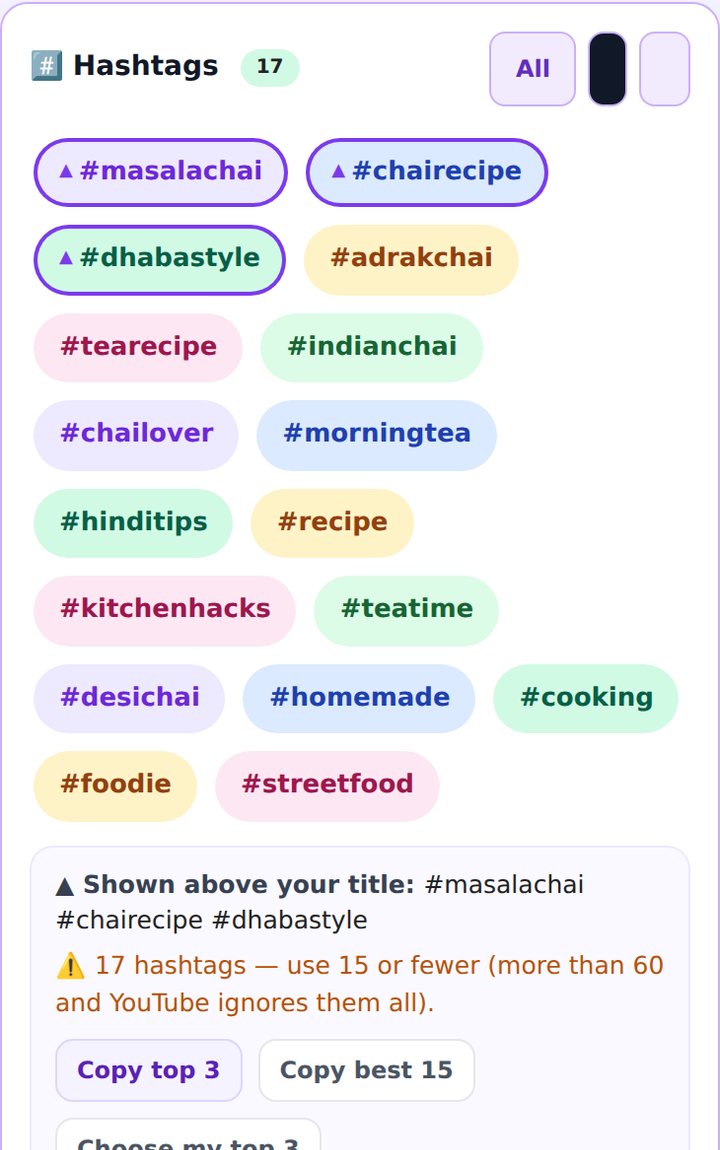
YouTube shows only the first three hashtags above your title — the rest are hidden in the description. SEO for Tube now marks those three, lets you choose them, and checks the total count.
How it works
- Generate hashtags in the SEO Generator.
- The first three are marked with ▲ — these show above your title.
- Tap “Choose my top 3” and pick the ones you want on top.
- Use “Copy top 3” or “Copy all”.
Why it helps
- Your best hashtags get the most visible spot.
- A clear warning only when you go above YouTube’s 60-hashtag limit.
- One-tap copy for the description.
FAQ
How many hashtags should I use?
Use your best 3 on top; more in the description is fine. Above 60, YouTube ignores all of them.
Do hashtags help Shorts?
Yes — a clear topic hashtag helps YouTube understand what the Short is about.
🇮🇳 Hinglish
YouTube title ke upar sirf pehle teen hashtags dikhata hai — baaki description me chhup jaate hain. Ab SEO for Tube un teen ko nishaan lagata hai, aapko chunne deta hai aur kul ginti bhi jaanchta hai.
Kaise kaam karta hai
- SEO Generator me hashtags banaiye.
- Pehle teen par ▲ hoga — yahi title ke upar dikhte hain.
- “Choose my top 3” dabakar apne pasand ke upar laaiye.
- “Copy top 3” ya “Copy all” se copy kijiye.
Kyon faydemand hai
- Sabse achhe hashtags sabse dikhne wali jagah par.
- Chetavani sirf tab, jab YouTube ki 60 ki seema paar ho.
- Description ke liye ek tap me copy.
Aksar pooche jaane wale sawaal
Kitne hashtags lagaun?
Upar ke liye sabse achhe 3 chuniye; description me zyada bhi theek hai. 60 se zyada par YouTube sab ignore karta hai.
Kya Shorts me hashtag kaam aate hain?
Haan — saaf topic wala hashtag YouTube ko Short samajhne me madad karta hai.