A YouTube video planner with AI should take you from “I have an idea” to “it’s uploaded”. Video Planner keeps every step of one video in one project — and now ends with a real MP4.
- Idea and titleScriptA Short plan or AI video scenes (Gemini / Veo)“Make the video” — a ready Short with AI voice and captionsSEO — titles, tags, description.
- 4 steps: Start a project → Write the script → Make the plan → Make the video and SEO.
- Batch plans on one day.
Who is this for?
Creators who want one place for every step of a video instead of five apps.
The steps in one project
- Idea and title
- Script
- A Short plan or AI video scenes (Gemini / Veo)
- “Make the video” — a ready Short with AI voice and captions
- SEO — titles, tags, description
One project, every step — step by step
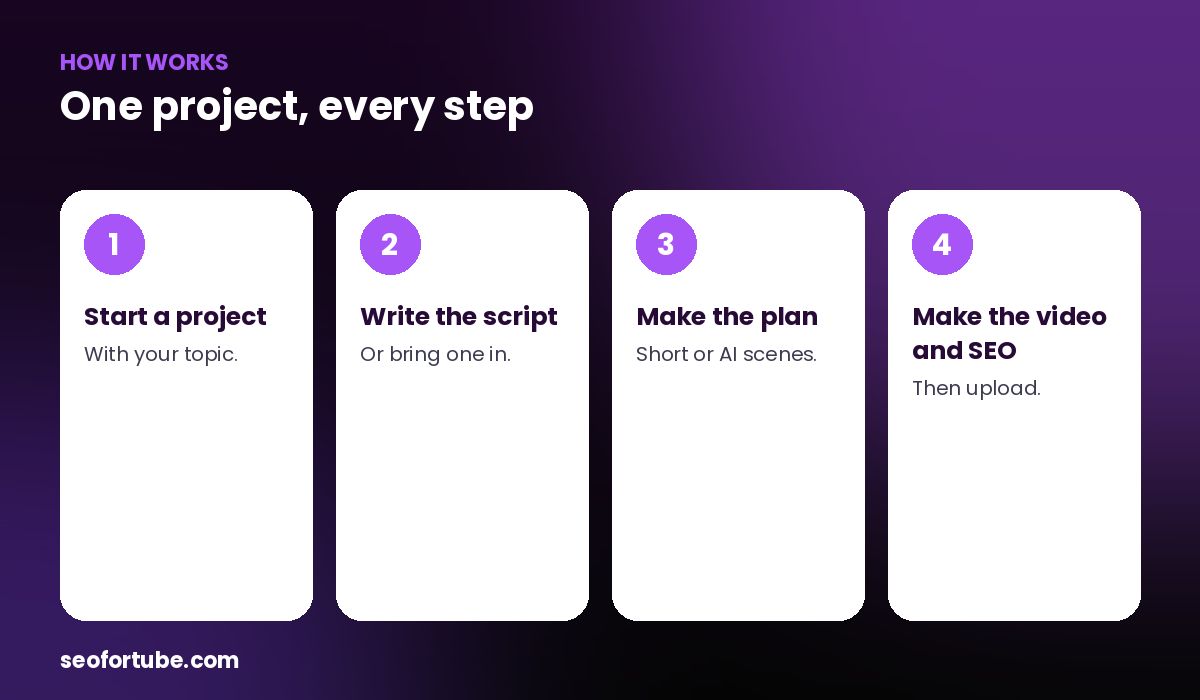
- Start a project — with your topic.
- Write the script — or bring one in.
- Make the plan — Short or AI scenes.
- Make the video and SEO — then upload.
Two ways to make the video
For AI plans you can copy each scene into Gemini for cinematic AI clips, or make a quick free video right there with stock clips and an AI voice.
Bring scripts from other tools
Send a script from Script Writer or Video to Script straight into a new project.
Example: one evening, one finished Short
A creator started a project at 7 pm, wrote a 45-second script, made the Short plan, tapped “Make the video”, added SEO and uploaded by 7:40 — all without leaving Video Planner.
Mistakes to avoid
- Projects without a deadline. Set an upload date.
- Skipping SEO. It is the last step for a reason.
- Making long videos with the Shorts Maker. Use AI scenes or your own footage.
- Too many open projects. Finish before starting more.
Smart tips
- Batch plans on one day.
- Use the calendar to spread uploads.
- Turn one long project into Shorts.
- Check the Shorts Gallery quality notes (admin).
Hindi mein samjhein
Video Planner ek project me idea, script, AI scenes, ready MP4 aur SEO — sab kuch. Script Writer ya Video to Script se script bhi seedha la sakte hain.
FAQ
Can Video Planner make a video file?
Yes, a Short MP4 with voice and captions.
Does it make long videos?
It plans them; for AI clips use Gemini.
Can I import scripts?
Yes, from Script Writer and Video to Script.
Is SEO included?
Yes, titles, tags and description.