
Veo makes clips of about 8 seconds. When you plan an AI video in 8-second scenes, every scene becomes one clip — and the clips join in order into a finished video.
- Without a plan you get beautiful clips that don’t tell a story.
- 4 steps: Choose the length → Get the scenes → Generate each clip → Join in order.
- Name clip files with the scene number.
Who is this for?
Creators planning AI videos longer than one clip who want a clear scene-by-scene structure.
Why plan in scenes
Without a plan you get beautiful clips that don’t tell a story. With a scene plan, each clip has a job: hook, problem, steps, payoff, call to action.
Scene-by-scene AI video — step by step
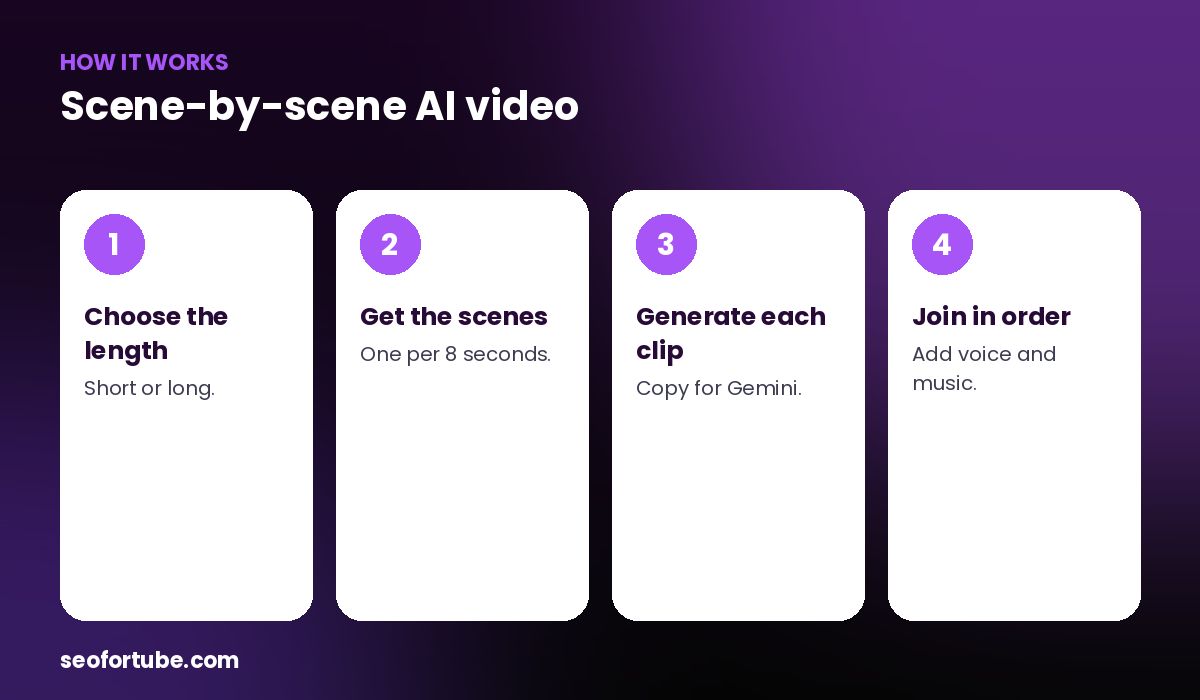
- Choose the length — Short or long.
- Get the scenes — one per 8 seconds.
- Generate each clip — Copy for Gemini.
- Join in order — add voice and music.
How many scenes you need
About one scene per 8 seconds: a 45-second Short needs 6 scenes, a 2-minute video about 15. Each scene’s spoken line is short enough to fit its clip.
Join and finish
Generate the clips in Gemini, put them in order in any editor, add the voice (yours or AI) and music, and export.
Example: a 2-minute explainer
A 2-minute AI explainer about saving water had 15 scenes: a hook shot of a dripping tap, three problem scenes, eight “how to” scenes and a hopeful ending — each with its own line of voiceover.
Mistakes to avoid
- Too much speech in one scene. Keep lines short.
- Skipping the hook scene. Scene 1 decides retention.
- Random order. Follow the plan.
- Different aspect ratios. Keep 9:16 or 16:9 throughout.
Smart tips
- Name clip files with the scene number.
- Generate two versions of key scenes.
- Use cuts, not long fades.
- Add captions in your editor.
Hindi mein samjhein
Veo lagbhag 8 second ki clip banata hai. Video ko 8-8 second ke scenes me plan kijiye — har scene ek clip, phir sab ko kram se jodiye.
FAQ
How long is a Veo clip?
About 8 seconds.
How many scenes for a 1-minute video?
About 7–8.
Can I make long AI videos?
Yes, with more scenes joined together.
Where do I join clips?
In any video editor.