The most common AI video problem: a different face in every clip. A consistent character in AI video comes from one simple trick — the anchor line.
- One sentence that fully describes the main person and place: age, look, hair, clothes and setting — for example, “a 25-year-old Indian woman with long dark hair in a black top, in a cosy purple-lit home studio”.
- 4 steps: Write the anchor → Scene 1 → Scenes 2+ → Change only shot and action.
- Attach the same reference photo in Gemini when possible.
Who is this for?
AI storytellers whose characters keep changing faces between clips.
What the anchor line is
One sentence that fully describes the main person and place: age, look, hair, clothes and setting — for example, “a 25-year-old Indian woman with long dark hair in a black top, in a cosy purple-lit home studio”.
Keep one character — step by step
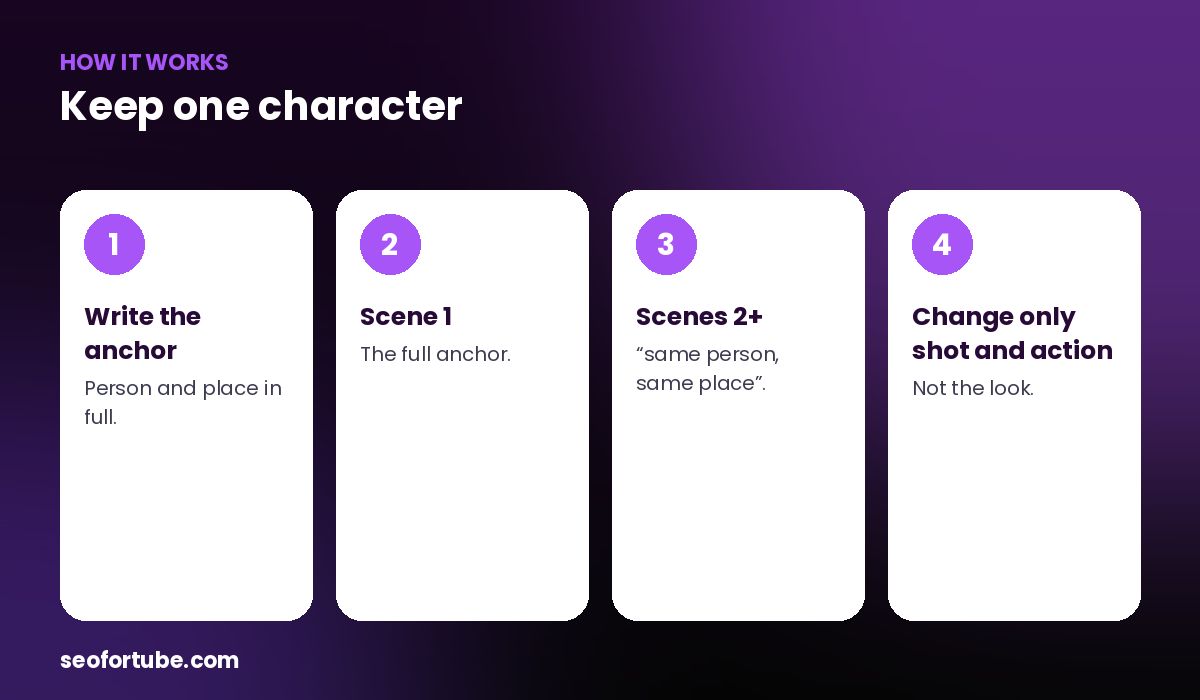
- Write the anchor — person and place in full.
- Scene 1 — the full anchor.
- Scenes 2+ — “same person, same place”.
- Change only shot and action — not the look.
How to use it
Use the full anchor in scene 1. In every other scene, start with “Same person, same place” and keep the clothes and room the same. Change only the shot, the action and the camera move.
Done for you
Video Planner and Video to Script write the anchor for you and add it to every scene automatically.
Example: a six-scene Short
All six scenes used the same woman in the same black top and purple studio. The clips joined smoothly, and viewers watched it as one story rather than six random clips.
Mistakes to avoid
- Changing clothes between scenes.
- New details every prompt. Keep the anchor fixed.
- Mixing indoor and outdoor randomly.
- Different colour grades. Use one look.
Smart tips
- Attach the same reference photo in Gemini when possible.
- Keep lighting similar across scenes.
- Generate all scenes in one session.
- Reject clips where the face changes.
Hindi mein samjhein
Har AI clip me wahi chehra rakhne ke liye “anchor line” use kijiye — pehle scene me kirdaar aur jagah poori likhiye, baaki me “same person, same place”.
FAQ
Why do faces change between clips?
Each clip is generated separately.
Does a reference photo help?
Yes, when Gemini allows attaching one.
Is the anchor added automatically?
Yes, in Video Planner and Video to Script.
Can I edit the anchor?
Yes, edit the first scene’s prompt.