Video to Script now has a Shorts mode. Choose the exact length — from 10 to 180 seconds — and get a YouTube Shorts script with AI video prompts: one cinematic Gemini (Veo) scene for every 8 seconds, with the line spoken in that scene.
- Veo makes clips of about 8 seconds.
- 4 steps: Choose Short → Keep AI video prompts on → Make my script → Copy for Gemini.
- Use “Copy all scenes” to keep them together.
Who is this for?
AI-video creators who make Shorts with Gemini Veo and want every clip planned before they start generating.
Why 8-second scenes
Veo makes clips of about 8 seconds. Planning the Short in 8-second scenes means every prompt becomes one clip, and the clips join in order into a finished Short.
Short + AI scenes — step by step
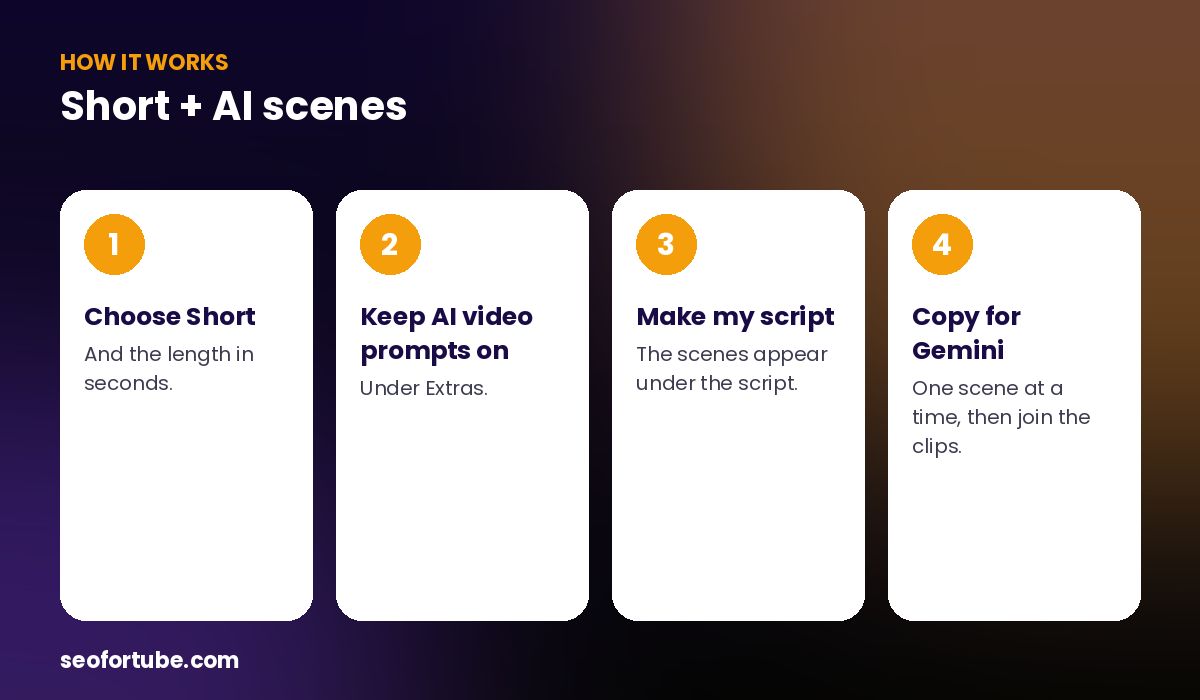
- Choose Short — and the length in seconds.
- Keep AI video prompts on — under Extras.
- Make my script — the scenes appear under the script.
- Copy for Gemini — one scene at a time, then join the clips.
Same person in every scene
The first scene describes the main person and place in full; every other scene says “same person, same place”. That anchor keeps your AI video consistent instead of showing a different face in each clip.
Safe prompts that do not get refused
Prompts are checked by the same safety filter as Video Planner: no brands, no famous people, no children, no text on screen — common reasons Gemini refuses a prompt.
Example: a 45-second Short in six scenes
A 45-second motivation Short became six scenes. Scene 1: a close-up of a young woman at her desk at dawn, soft window light, slow dolly-in, with the line “Everyone sleeps. You build.” Scenes 2–6 kept the same woman and room while the shots changed — wide, over-the-shoulder, low-angle — ending on her smiling at the sunrise.
Mistakes to avoid
- Different people in every clip. Keep the anchor line.
- Text in the prompt. Veo draws text badly — add text in your editor.
- Brand names. They often cause refusals.
- Scenes longer than 8 seconds of speech. Split long lines.
Smart tips
- Use “Copy all scenes” to keep them together.
- Generate each scene twice and pick the best.
- Add your own voice or the AI voice over the joined clips.
- Keep the same aspect ratio (9:16) for every clip.
Hindi mein samjhein
Video to Script ka Short mode 10 se 180 second ka script deta hai, aur har 8 second ka ek Gemini (Veo) scene prompt — wahi kirdaar har scene me, aur “Copy for Gemini” button ke saath.
FAQ
How many scenes will I get?
About one per 8 seconds — 45 seconds gives 6 scenes.
Are prompts safe for Gemini?
They pass the same safety filter as Video Planner.
Do long videos get scenes?
AI scenes are for Shorts; long videos use Video Planner.
Can I copy all scenes at once?
Yes, with “Copy all scenes”.