A YouTube transcript to script workflow saves hours. Instead of pausing a video every few seconds to take notes, you get its full words at once — and then turn them into a script that is yours.
Many Hindi and regional videos have no captions at all. Video to Script can still read them: when captions are missing, the transcript is written from the audio.
- First the tool tries the video’s own captions.
- 4 steps: Paste the video link → Get the words → Choose length, voice and style → Make my script.
- If the transcript fails, check Admin → Video to Script → Transcript service usage.
Who is this for?
Creators who learn from podcasts, interviews and long videos — including Hindi videos that have no captions.
Where the transcript comes from
First the tool tries the video’s own captions. If YouTube does not share them, a transcript service reads them for you — and for videos without any captions it writes the words from the audio (up to a length the admin sets). You never have to copy anything by hand, though you can paste a transcript yourself if you prefer.
Transcript to script — step by step
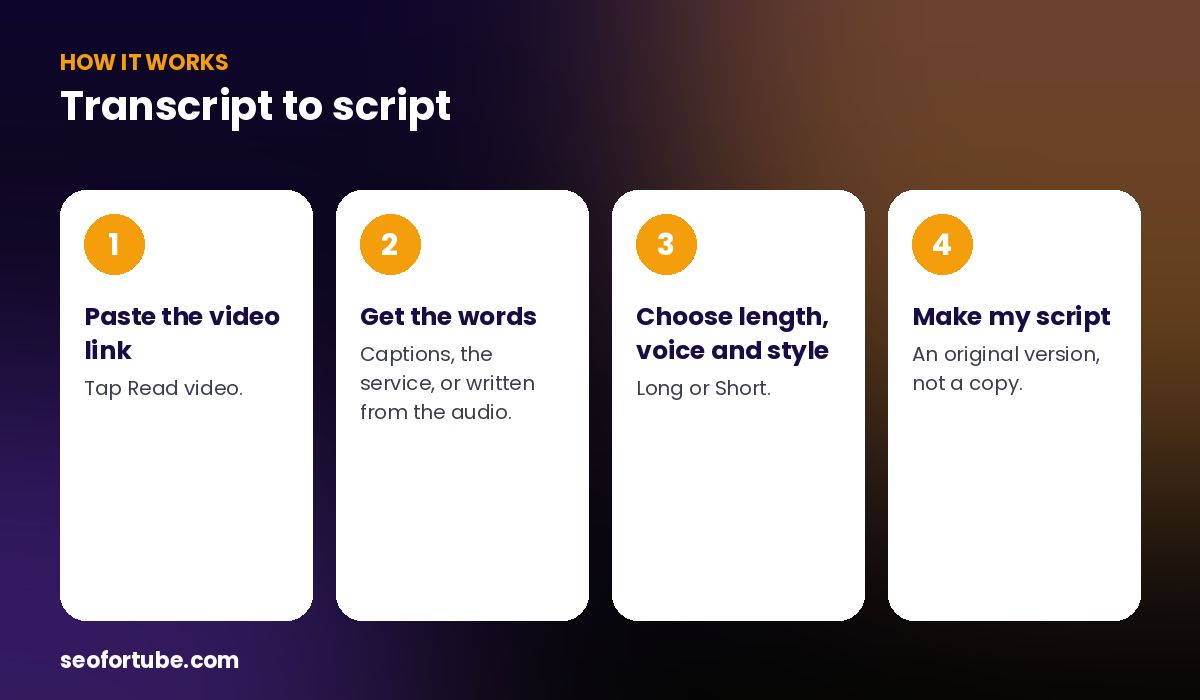
- Paste the video link — tap Read video.
- Get the words — captions, the service, or written from the audio.
- Choose length, voice and style — Long or Short.
- Make my script — an original version, not a copy.
From transcript to your script
The transcript is cleaned of noise like [Music] and [Applause], studied for its hook, structure and gaps, and then used only for ideas and facts. Your new script is written in fresh words, in the language and voice you choose.
What if the video is very long?
Long transcripts are trimmed to the most useful part before writing, so the script stays focused. For a 40-minute podcast, pick a 6–8 minute script and one clear angle.
Example: a podcast clip becomes a 5-minute script
A creator liked a 45-minute Hindi podcast about saving money but the video had no captions. Video to Script wrote the transcript from the audio, found the three strongest ideas and the one question listeners kept asking, and wrote a 5-minute explainer in Hinglish with a male voice.
The originality score was 95%. He added his own budget sheet as the example and published the video the same week.
Mistakes to avoid
- Pasting a messy transcript with timestamps. Let the tool fetch it — it cleans the noise.
- Trying to fit everything. A long transcript needs one clear angle.
- Keeping the speaker’s jokes and stories. Those belong to them.
- Ignoring the language setting. The source can be English and your script Hindi.
Smart tips
- If the transcript fails, check Admin → Video to Script → Transcript service usage.
- Use the “Your angle” box to say who the video is for.
- For podcasts, choose the Explainer style.
- Turn on shot notes if you will edit with B-roll.
Hindi mein samjhein
Video ka transcript apne aap aata hai — captions na hon to bhi awaaz se likha jaata hai. Phir usse sirf ideas aur facts lekar aapki nayi script banti hai.
FAQ
Can I get a transcript of a video without captions?
Yes, the service can write it from the audio.
Do I have to copy the transcript?
No — it is fetched when you make your script.
Is the transcript itself saved?
It is used to write your script; the script is what you keep.
Which languages work?
Most languages YouTube supports, including Hindi and regional languages.