Many creators post motivation one day, an AI story the next and a vlog on Sunday. On a mixed content YouTube channel, a tool that always writes in your “main niche” style gets it wrong half the time. Video to Script lets every video have its own style.
- Your Channel Brain might say “Niche: motivation”.
- 4 steps: Paste the link → Keep “Match the source” → Make my script → Check the detected style.
- Create a playlist per format.
Who is this for?
Channels that post more than one kind of video — motivation, AI stories, vlogs, tutorials — every week.
The problem it solves
Your Channel Brain might say “Niche: motivation”. Without a style choice, a script for an AI story video would be pulled toward motivation. Now the Brain is used only for your audience, language and voice — the topic and format come from the video itself.
Right style for every video — step by step
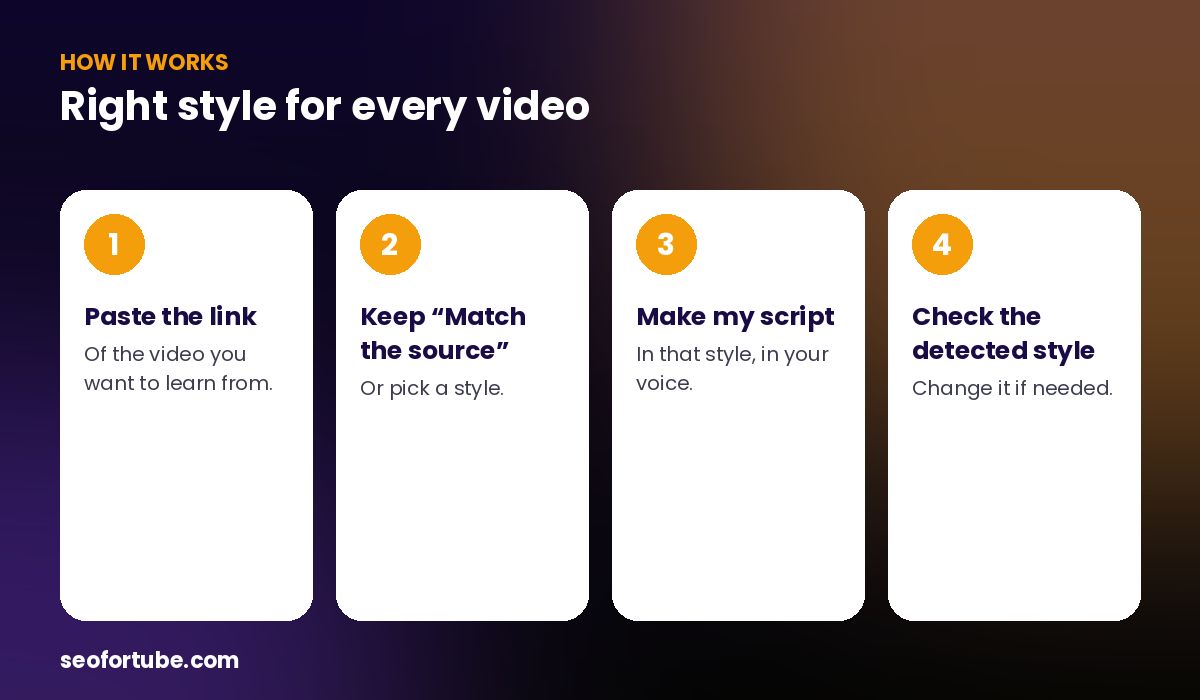
- Paste the link — of the video you want to learn from.
- Keep “Match the source” — or pick a style.
- Make my script — in that style, in your voice.
- Check the detected style — change it if needed.
Match the source video
The default style, “Match the source video”, detects whether the source is a story, explainer, vlog or motivation video and writes in the same style. The result shows “Source style: storytelling” so you can see what was detected.
Or pick a style yourself
Motivation, Storytelling, Explainer, Vlog, AI / faceless narration, Comedy, Review and News & facts each have their own rules — for example, AI narration avoids “I am on camera” lines and describes visuals vividly.
Example: one week on a mixed channel
Monday: a motivation video link → a motivation script with short punchy lines. Wednesday: an AI story link → a narration script with vivid scene descriptions. Saturday: a vlog link → a casual first-person script. All three used the creator’s Hinglish and female voice, but each had the right format.
Mistakes to avoid
- Choosing “My channel’s usual style” for everything. Use it only when the video fits your main niche.
- Ignoring the detected style. If it is wrong, pick the style yourself.
- One thumbnail style for all formats. Stories and explainers need different thumbnails.
- No playlists. Group each format in its own playlist.
Smart tips
- Create a playlist per format.
- Use the same intro line in every video to keep a common identity.
- Check which format earns most watch time and do more of it.
- For AI story videos, turn on AI video prompts.
Hindi mein samjhein
Mixed channel par har video ka style alag hota hai. “Match the source video” video ka style pehchanta hai, aur Channel Brain sirf aapki audience, bhasha aur awaaz ke liye use hota hai.
FAQ
What does “Match the source” do?
It detects the source video’s style and writes in the same style.
Is my channel profile still used?
Yes — for audience, language and voice.
Can I force a style?
Yes, pick any style from the list.
Does this work for Shorts?
Yes, for Shorts and long videos.