Generic tools give generic answers. A personalized YouTube SEO tool knows your channel. In SEO for Tube, the Channel Brain learns your niche, audience, language and style once — and every tool uses it.
- Your niche and content pillars, who your viewers are and where they live, your language and tone, your goals, topics to avoid, and your own intro and call-to-action lines.
- 4 steps: Scan your channel → Check the Brain → Correct anything → Use any tool.
- Add your intro and CTA lines to the Brain.
Who is this for?
Creators tired of generic AI answers who want tools that know their niche and audience.
What the Brain learns
Your niche and content pillars, who your viewers are and where they live, your language and tone, your goals, topics to avoid, and your own intro and call-to-action lines.
Connect your Brain — step by step
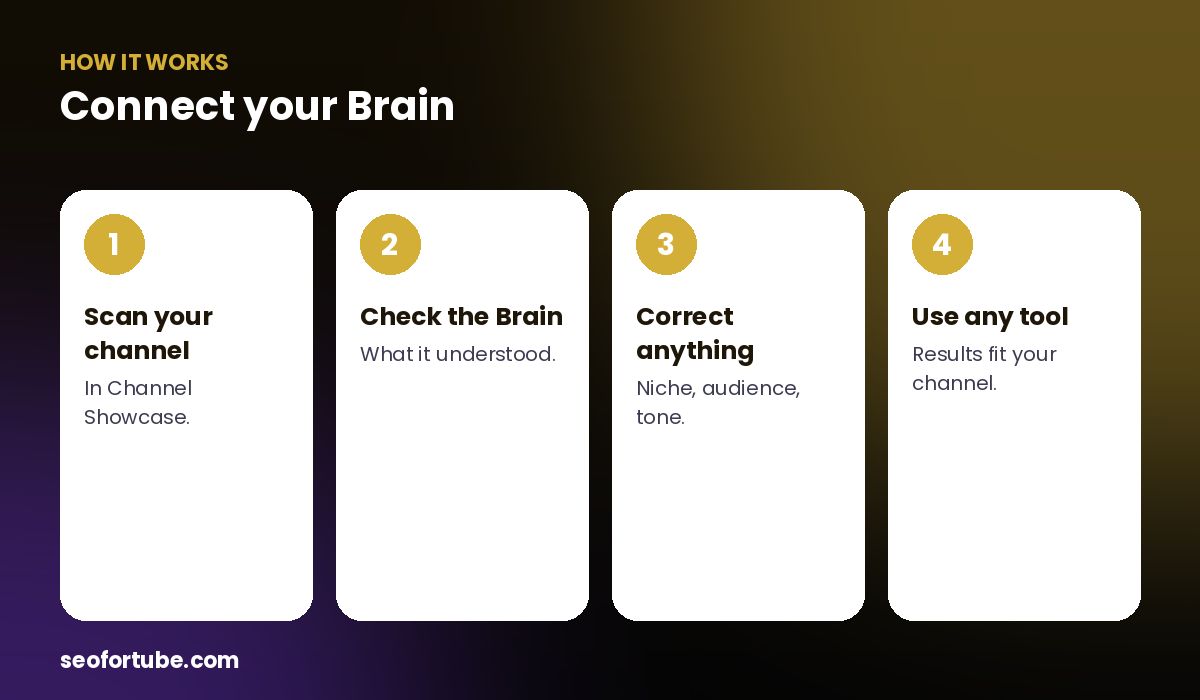
- Scan your channel — in Channel Showcase.
- Check the Brain — what it understood.
- Correct anything — niche, audience, tone.
- Use any tool — results fit your channel.
Where it is used
SEO Generator, Channel Coach, Script Writer, Video to Script, Video Planner and more. In Video to Script it is used only for your audience and voice — the topic comes from the source video — so mixed channels still get the right style.
You stay in control
You can see and correct what the Brain understood in Channel Showcase, and turn it off for any single script.
Example: the same topic, two channels
For “weight loss tips”, a Hindi home-workout channel for women got titles in Hindi about home exercises, while an English gym channel got titles about strength training — same tool, different Brains.
Mistakes to avoid
- Never checking the Brain. Correct it once.
- A vague niche. Be specific.
- Forgetting to rescan. Your channel evolves.
- Using one style for all videos. Use per-video styles.
Smart tips
- Add your intro and CTA lines to the Brain.
- List topics to avoid.
- Rescan after a change of direction.
- Ask the Coach to review your Brain.
Hindi mein samjhein
Channel Brain ek baar aapka niche, audience, bhasha aur style seekhta hai — phir har tool aapke channel ke hisaab se jawab deta hai.
FAQ
Where do I see my Brain?
In Channel Showcase.
Can I edit it?
Yes.
Can I turn it off for a script?
Yes, per script.
Does it work for mixed channels?
Yes — per-video styles keep scripts right.