Switching tabs breaks your flow. The YouTube SEO Chrome extension from SEO for Tube brings SEO help to YouTube itself and opens your tools in one click.
- It connects to your account with a key and gives quick SEO help while you browse YouTube and YouTube Studio, with one-click links to SEO Generator, Channel Showcase and your other tools.
- 4 steps: Get it → Add to Chrome → Paste your key → Open YouTube.
- Pin the extension next to the address bar.
Who is this for?
Creators who spend hours on YouTube and YouTube Studio and want SEO help without switching tabs.
What it does
It connects to your account with a key and gives quick SEO help while you browse YouTube and YouTube Studio, with one-click links to SEO Generator, Channel Showcase and your other tools.
Install the extension — step by step
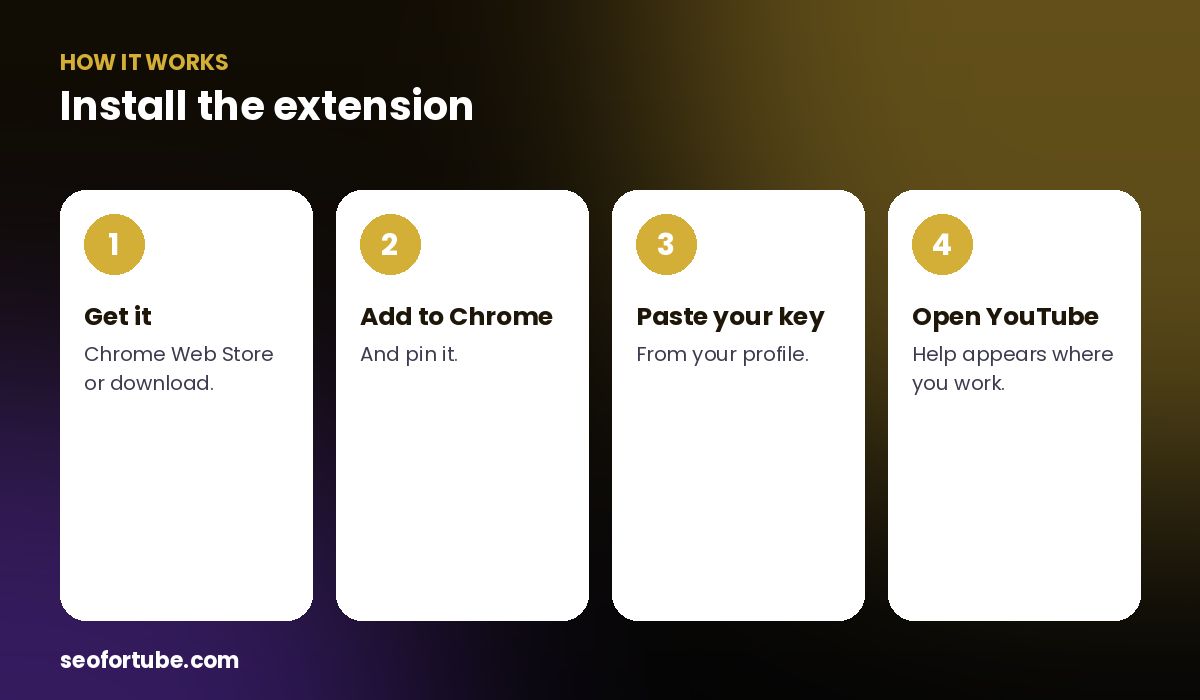
- Get it — Chrome Web Store or download.
- Add to Chrome — and pin it.
- Paste your key — from your profile.
- Open YouTube — help appears where you work.
How to install
Install it from the Chrome Web Store (or load the downloaded file in Chrome’s extensions page in developer mode), then paste your key from your profile.
Privacy
The extension only works on YouTube pages and your SEO for Tube account. Its privacy policy is on the website.
Example: SEO while browsing competitors
While watching a competitor’s video, a creator opened the extension, jumped to SEO Generator with the topic, and had titles and tags ready for her own version in two minutes.
Mistakes to avoid
- Opening the popup file directly. Install it first — the popup will guide you.
- Not pinning it. Pin it for one-click access.
- Wrong key. Copy it fresh from your profile.
- Old version. Keep extensions updated.
Smart tips
- Pin the extension next to the address bar.
- Use it in YouTube Studio while editing details.
- Combine it with Channel Showcase fixes.
- Check the privacy page for details.
Hindi mein samjhein
SEO for Tube ka Chrome extension YouTube par hi SEO madad deta hai aur tools ek click me kholta hai. Install karke apni profile ka key paste kijiye.
FAQ
Is the extension free?
Yes, it is free to install.
Does it work on other sites?
It is made for YouTube.
Where is my key?
In your profile.
Is my data safe?
See the extension privacy policy.