Should this video be a story or a clear explainer? Instead of guessing, make both. With Version B, Video to Script writes a second script in another style from the same plan — so you can compare storytelling vs explainer video script side by side.
- Storytelling — a character, a problem, a turning point and a lesson.
- 4 steps: Choose the main style → Pick Version B → Make my script → Compare A and B.
- Score both with “Score my script”.
Who is this for?
Creators who are unsure which format suits a topic and want to compare before they record.
When each style wins
- Storytelling — a character, a problem, a turning point and a lesson. Best for motivation, personal finance journeys and history.
- Explainer — clear steps, examples and a recap. Best for how-to, tech and education.
Two versions, one plan — step by step
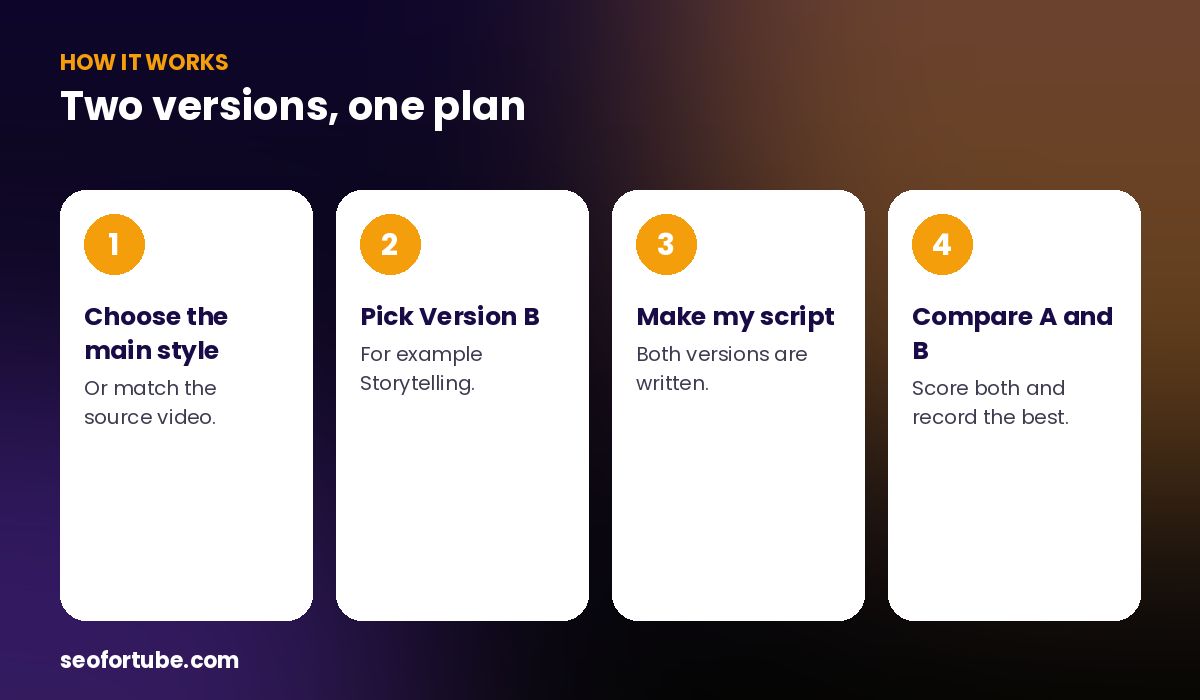
- Choose the main style — or match the source video.
- Pick Version B — for example Storytelling.
- Make my script — both versions are written.
- Compare A and B — score both and record the best.
How Version B works
Choose “Also make Version B in…” and pick a style. The tool keeps the same plan and outline, then writes the second script with that style’s rules. Two chips, A and B, let you switch between them, and every tool (Quick changes, Hook Lab, score) works on each version separately.
Other styles you can try
Motivation, vlog, AI/faceless narration, comedy, review and news & facts — each with its own writing rules.
Example: a savings video in two styles
Version A explained “the 50-30-20 budget” step by step. Version B told the story of Rahul, who saved nothing for two years until one rule changed everything. The creator scored both: the story had the stronger hook, the explainer was clearer. She used the story’s opening and the explainer’s steps.
Mistakes to avoid
- Picking B the same as A. Choose a clearly different style.
- Judging by length. Judge by the hook and how easily you can say it.
- Throwing away the loser. Its best lines can improve the winner.
- Forgetting the cost. Version B adds one charge.
Smart tips
- Score both with “Score my script”.
- Use the Story version for Shorts and the Explainer for long videos.
- Ask your community which they prefer.
- Save the losing version as an idea for later.
Hindi mein samjhein
Version B se ek hi plan ki do scripts banti hain — jaise Story aur Explainer. A/B chips se dono dekhiye aur jo achhi lage use record kijiye.
FAQ
Does Version B cost extra?
Yes, one extra charge.
Can I edit each version separately?
Yes — every tool works on the version you are viewing.
Which style is better?
It depends on the topic; compare both.
Can I send Version B to Video Planner?
Yes — the version you are viewing is sent.