Text to video for YouTube Shorts means you bring words and get a finished video back. No timeline, no layers, no export settings — just a ready 1080×1920 MP4.
- Your text is split into short spoken lines.
- 4 steps: Bring your words → Choose language and voice → Make the video → Download the MP4.
- Aim for 30–50 seconds of speech for most Shorts.
Who is this for?
Writers and teachers who are great with words but don’t want to touch a video editor.
From words to a finished Short
Your text is split into short spoken lines. Each line gets a voice, a matching clip and captions. The first seconds show a hook title, and a progress bar at the bottom tells viewers how long is left — a small trick that keeps them watching.
Text to Short — step by step
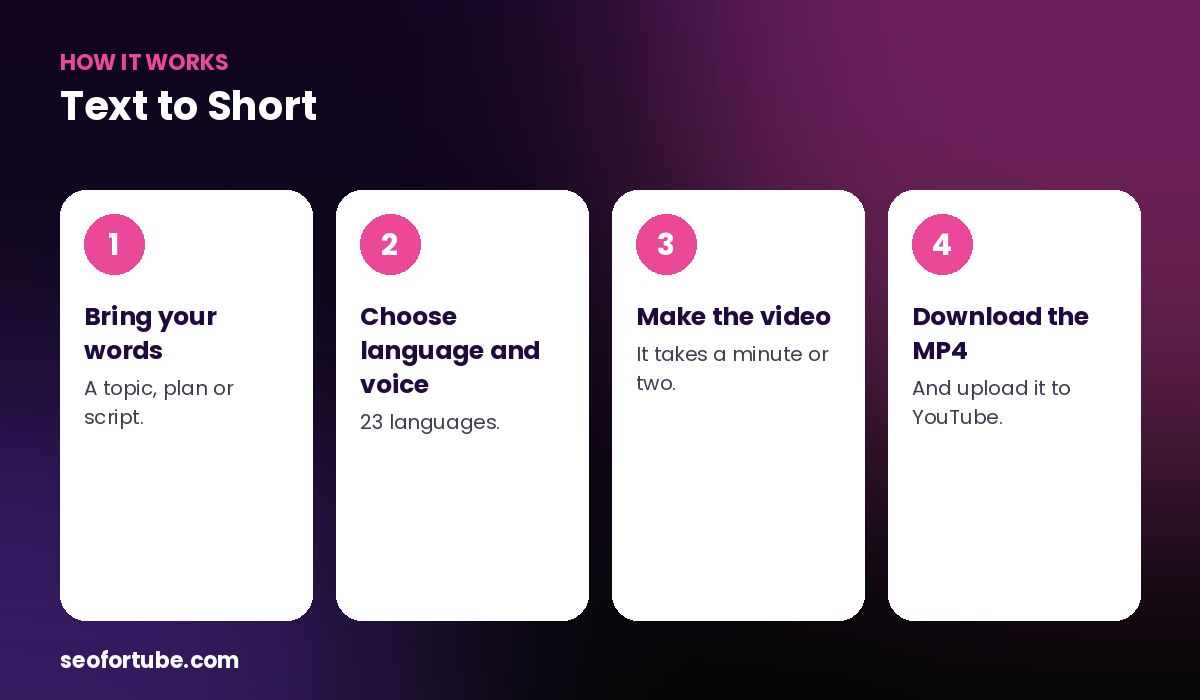
- Bring your words — a topic, plan or script.
- Choose language and voice — 23 languages.
- Make the video — it takes a minute or two.
- Download the MP4 — and upload it to YouTube.
Where your text comes from
Use a plan from Video Planner, a script from Script Writer, or a script you made with Video to Script — then turn it into a Short.
What you get
- Vertical 9:16, 1080×1920
- Natural AI voice in your language
- Clips matched to each line
- Word-by-word captions and a hook title
- Optional background music
Example: a script from Script Writer
A creator wrote a 1-minute script in Script Writer about “3 apps every student needs”, then opened it in Video Planner and tapped “Make the video”. The tool split the script into lines, added a hook title, matched clips of students and phones, and returned a 52-second MP4.
She uploaded it as a Short and linked it to her long video about study apps using YouTube’s related-video option.
Mistakes to avoid
- Scripts that are too long. Over 150 spoken words is usually more than a minute.
- No hook in the first line. Text to video cannot fix a slow start.
- No ending. Finish with one action, not a fade-out.
- Uploading without watching. Always play it once on your phone.
Smart tips
- Aim for 30–50 seconds of speech for most Shorts.
- Start with the payoff, then explain.
- End with one clear action: follow, comment or watch the long video.
- Make two versions with different hooks and post both.
Hindi mein samjhein
Text to video ka matlab — aap shabd dijiye, ready video lijiye. Script se seedha 9:16 MP4 banta hai, awaaz, clips aur captions ke saath.
FAQ
How long does it take?
Usually one to two minutes.
What resolution is the video?
1080×1920, ready for YouTube Shorts.
Can I make long videos?
The Shorts Maker is for Shorts. For long videos use the script and AI scenes.