Songwriters still write in notebooks — on the train, in class, at night. Typing all of it again on a phone is slow, and mistakes creep in. Turning a photo of lyrics to text saves that time.
In Lyrics Writer’s “I have my lyrics” mode, tap 📸 Photo of lyrics. The photo is made smaller on your phone first (so it uploads fast), then the AI reads it and arranges your song.
- Works with handwriting in Hindi, English and other scripts.
- The photo is resized on your phone before upload — fast even on mobile data.
- You can also paste text or open a .txt file.
Tips for a clear photo
- Take the photo in daylight, flat from the top.
- Keep one page per photo.
- Dark ink on white paper reads best.
Why it matters for Indian creators
Songs are searched again and again for years. A good song video keeps bringing views long after upload, which makes photo of lyrics to text one of the best long-term investments for a small channel.
In short: works with handwriting in Hindi, English and other scripts.
Check before you copy
Handwriting can be hard to read. Look over the arranged lyrics once; if a word was read wrong, paste the corrected text instead and tap Make it ready again.
Common mistakes to avoid
- Leaving the description empty instead of adding lyrics and credits.
- Using a real singer’s name or voice without permission.
- Titles without the song name first.
- Forgetting the altered or synthetic label for a realistic AI voice.
Pro tips
- Use the same style line for a series so your channel has one sound.
- Reply to comments with the next song’s name to build a habit.
- Make a lyrical version — many people search the words, not the singer.
- Add the language in the title for regional songs (e.g. “Bhojpuri Song 2026”).
A real example
Amit writes bhajans by hand for his village kirtan group and never had time to type them. He photographed one page in daylight, flat from above, and tapped Photo of lyrics. The text came back clean except one word in faint ink, which he fixed by pasting the corrected line. Ten minutes later the bhajan had sections, a calm style and a YouTube description. He now photographs a page every Sunday after kirtan.
How to do it, step by step
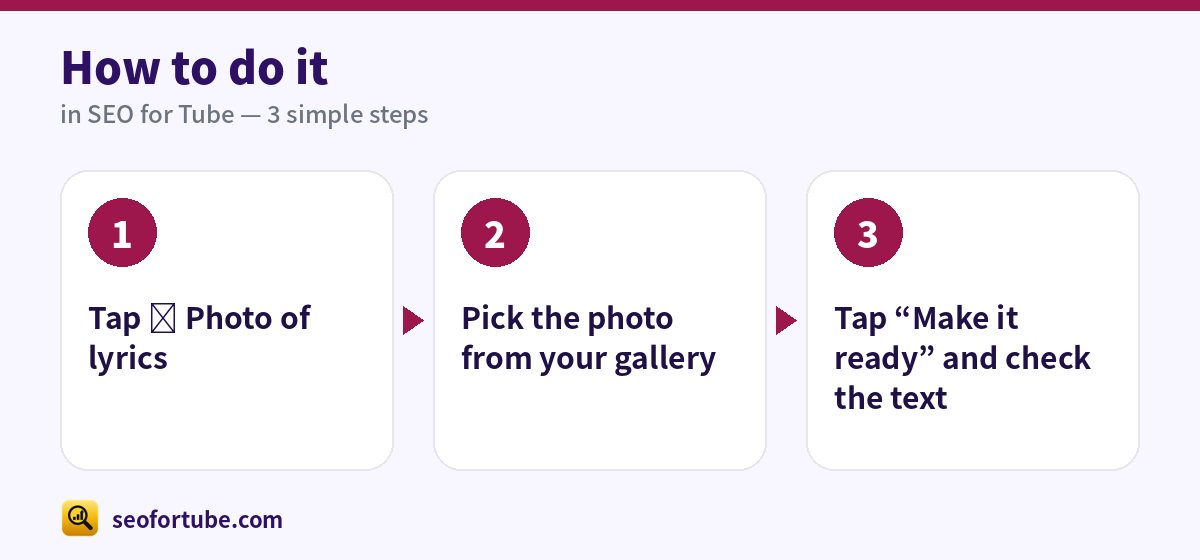
- Tap 📸 Photo of lyrics
- Pick the photo from your gallery
- Tap “Make it ready” and check the text
Frequently asked questions
Does it work with Urdu or Bangla script?
Yes, most scripts work. Clear writing gives the best result.
Is the photo stored?
The photo is used only to read the text.
Can I upload a song made with an AI music app on YouTube?
Yes, if it is original, clearly different from your other uploads and honestly credited. Turn on the altered or synthetic label when the voice sounds real.
Should I put lyrics in the YouTube description?
Yes. Many people search a line of the song, and lyrics in the description help them find you.
Summary
Turn a Photo of Handwritten Lyrics into Song-Ready Text: Works with handwriting in Hindi, English and other scripts. The photo is resized on your phone before upload — fast even on mobile data. You can also paste text or open a .txt file.
Made for Indian creators — Hindi, Hinglish and every regional language, and easy on a phone.
Add a photo of lyrics →