YouTube Channel Analyzer
See what a channel is actually doing well — including your own.
Analyse a channel freeMost channel advice is generic because it is written without looking at the channel. An audit starts the other way round: what has this channel published, what did people watch, and what is different about those videos.
Paste a channel link and you get that picture — for your own channel, or for one in your niche you want to learn from.
What the analyzer looks at
It reads the channel's public information and recent videos: subscriber count, total views, how often videos go up, typical video length, and which videos pulled far more views than the channel's average.
Those outliers are the useful part. A video with five times the normal views is telling you something about the topic, the title or the format that the channel should repeat.
Using it on your own channel
Look for the pattern in your best videos rather than the single best one. If three of your top five are step-by-step tutorials and your recent uploads are vlogs, that is worth knowing before you plan the next month.
Upload frequency is the other honest mirror. Most channels that stall did not get worse — they got slower.
Using it on someone else's channel
Study what topics keep coming back, how their titles are written and how long their videos run. Then adapt, do not copy: their audience already knows them, yours does not.
Copying a bigger channel's exact topics usually means competing with them on a video they already rank for.
What no tool can see
Watch time, click-through rate and audience retention are private to the channel owner and visible only inside YouTube Studio. Any tool claiming to show you a competitor's retention is guessing.
What is public — views, upload dates, titles, lengths — is still enough to spot the pattern, which is what this is for.
How to use it
- Paste the channel link or @handle.
- Wait a few seconds while the public data is read.
- Look at the best-performing videos and what they have in common.
- Plan your next videos around that pattern.
Questions creators ask
Is the channel analyzer free?
Yes, you can analyse a channel on the free plan. Paid plans give higher daily limits and the other tools.
Can I analyse any channel or only mine?
Any public channel. Everything used is public information.
Can you show another channel's watch time or CTR?
No. Those are private to the channel owner inside YouTube Studio. Any tool claiming otherwise is estimating, not reporting.
Why does my channel show fewer videos than I have?
Only recent uploads are read, to keep it fast and within YouTube's data limits. That is usually enough to see the pattern.
How often should I audit my channel?
Once a month is plenty. Patterns need a few videos before they mean anything.
Does it work for small channels?
Yes, and it is arguably more useful there, because a single video doing better than the rest stands out clearly.
📚 Guides for this tool
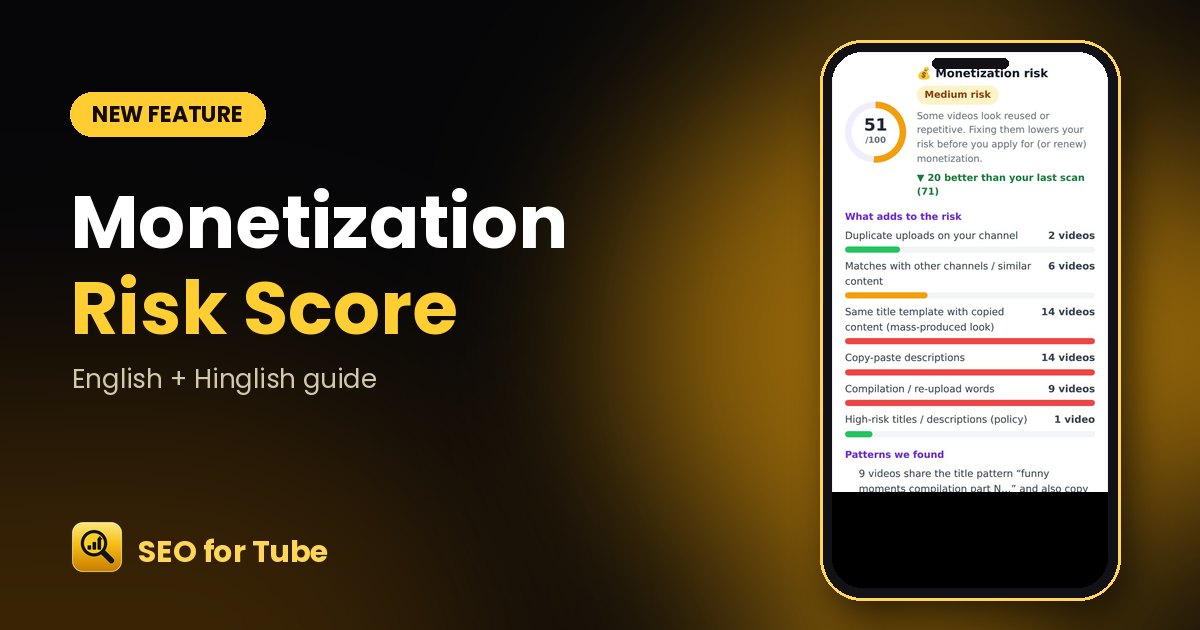 YouTube Monetization Risk Checker: Reused & Mass-Produced Content ScoreScan your channel for a 0–100 monetization risk score from six factors: duplicates, reused clips, copy-paste …
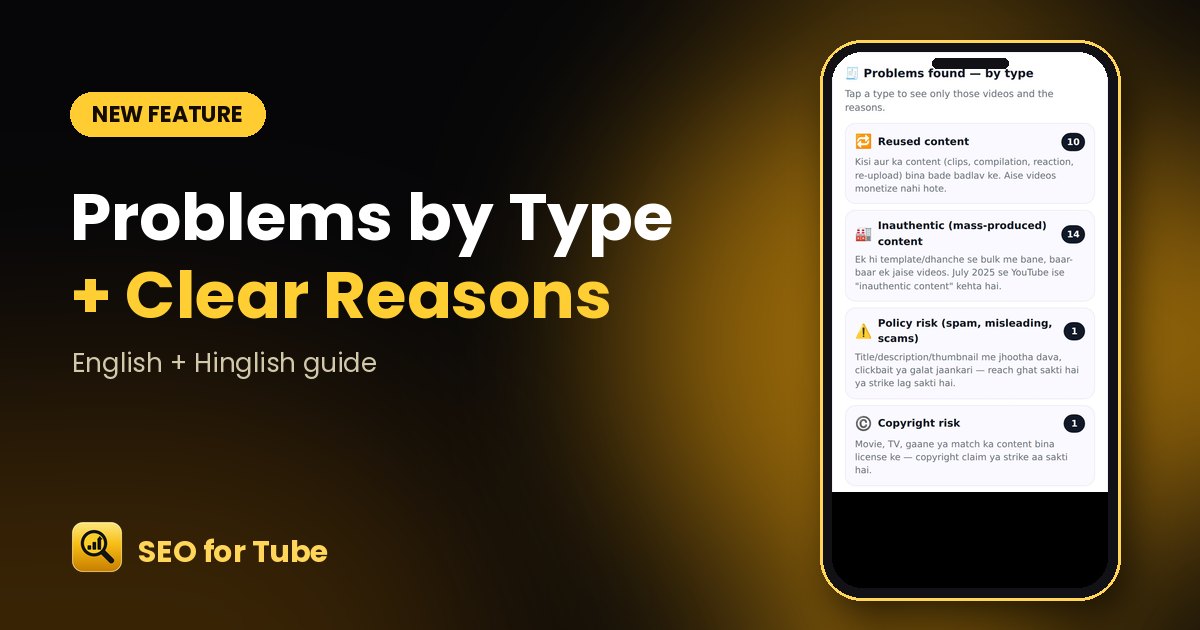 Reused, Inauthentic or Policy Problem? See the Type and the ReasonEvery risky video is marked by type — reused, inauthentic, policy, copyright or metadata spam — with evidence…
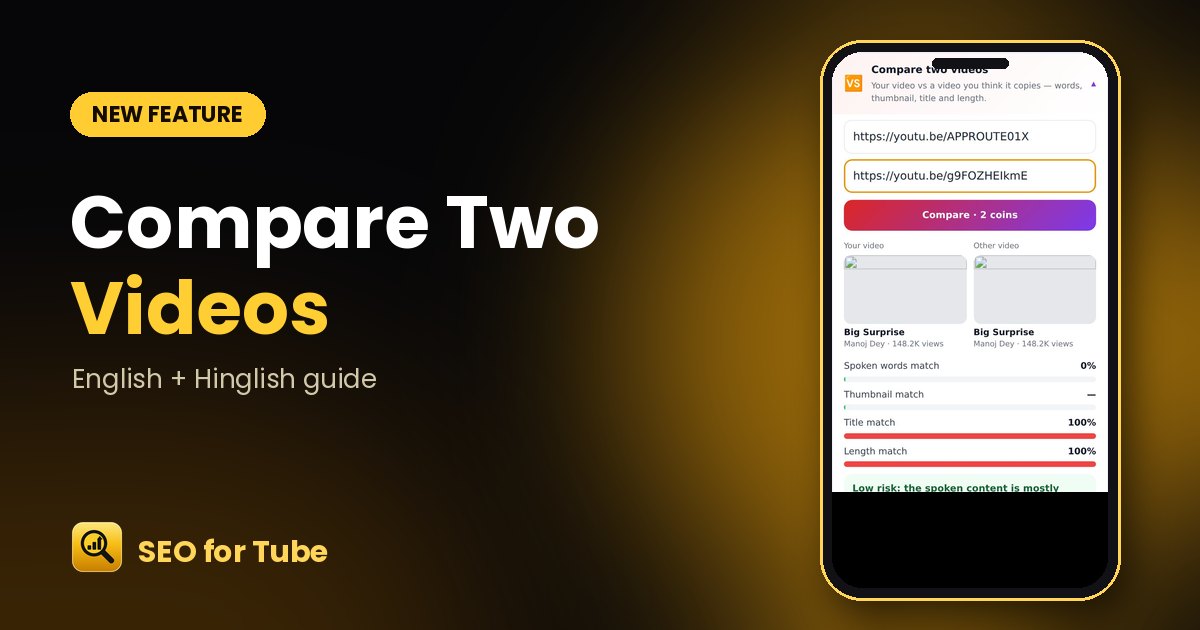 Compare Two YouTube Videos: Is Yours Too Similar?Compare your video with one you think it copies: spoken words, thumbnail, title and length — with a clear Low…
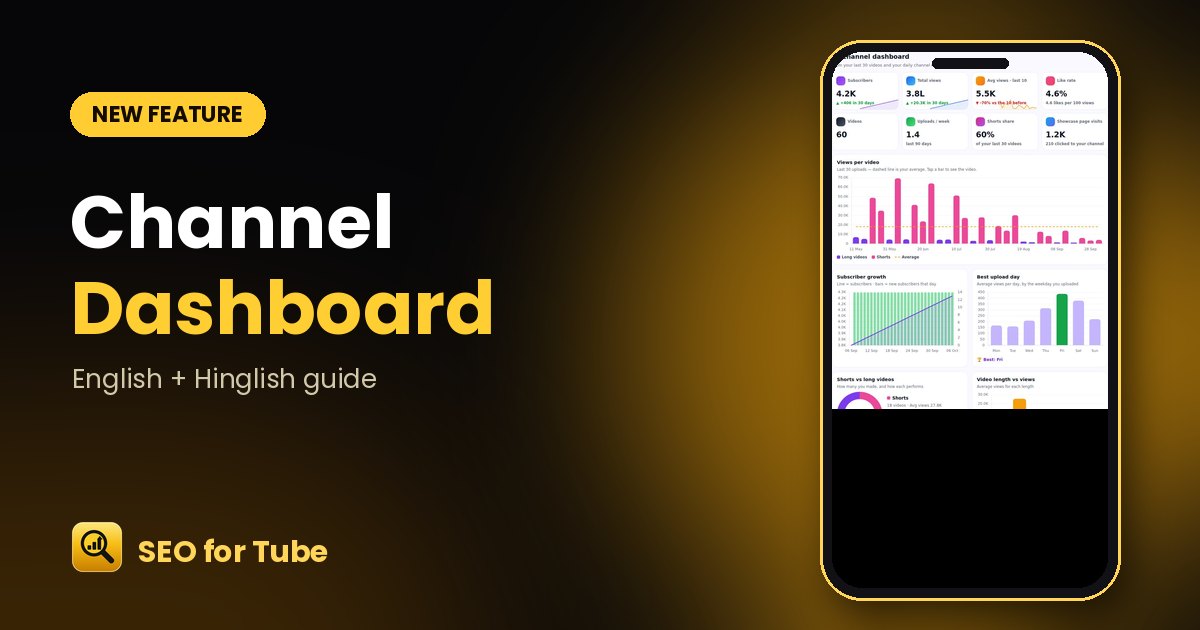 YouTube Channel Dashboard: 8 KPIs and Views per Video at a GlanceChannel Showcase now has a dashboard: subscribers and views growth, average views, like rate, uploads per wee…