AI image tools can make great thumbnails — if the prompt is right. A YouTube thumbnail prompt from SEO for Tube takes three simple choices.
- Who: my photo, an AI person, or no faceText: big text or no textStyle: bold, clean, dramatic, 3D cartoon or real photoThe size is set for you: 16:9 for long videos, 9:16 for Shorts.
- 4 steps: Open Thumbnail prompt → Pick who, text and style → Make the prompt → Copy for ChatGPT or Gemini.
- Use 3–4 big words.
Who is this for?
Creators who want eye-catching thumbnails without design skills.
Three choices only
- Who: my photo, an AI person, or no face
- Text: big text or no text
- Style: bold, clean, dramatic, 3D cartoon or real photo
Thumbnail prompt in 4 taps — step by step
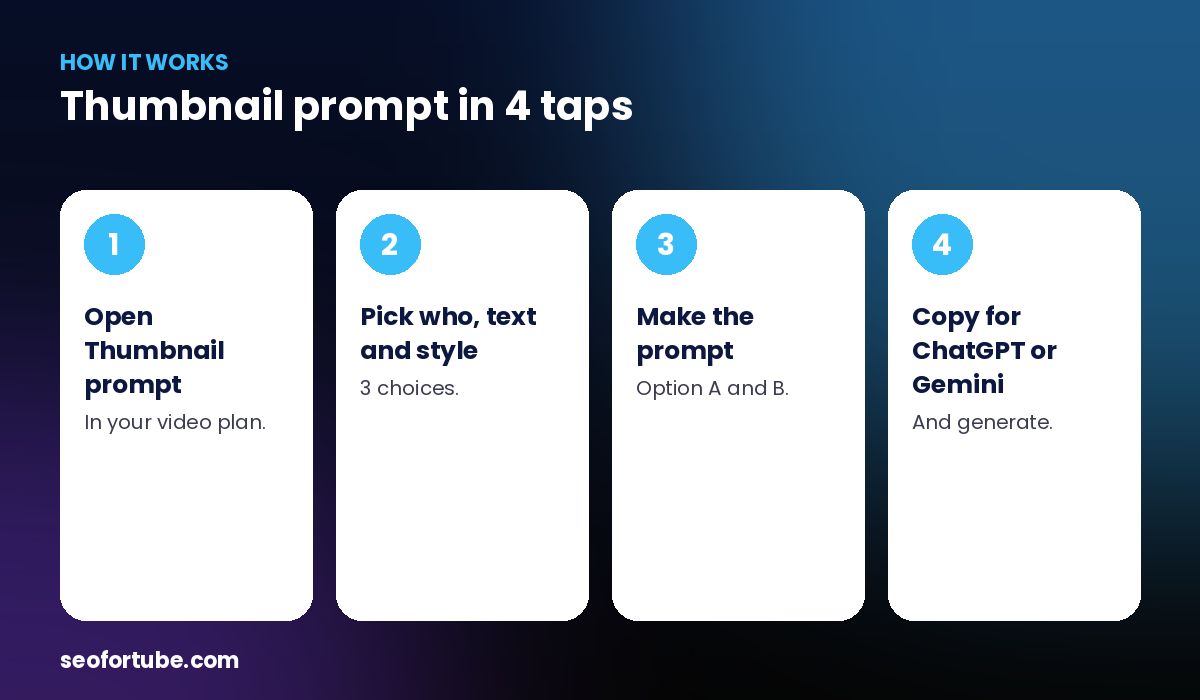
- Open Thumbnail prompt — in your video plan.
- Pick who, text and style — 3 choices.
- Make the prompt — Option A and B.
- Copy for ChatGPT or Gemini — and generate.
Copy for ChatGPT or Gemini
Each option has its own copy button with the right size words for that tool, plus short text lines for the thumbnail.
Your own photo
Choose “My photo”, upload a clear front photo, and attach the same photo in ChatGPT or Gemini with the prompt.
Example: a money video thumbnail
With “My photo + big text + bold”, a creator got a prompt for a shocked face, a falling rupee graphic and the text “SALARY KHATAM?” — generated in Gemini in one try.
Mistakes to avoid
- Too many words on the thumbnail. 3–4 words max.
- A blurry photo.
- Wrong size. It is set for you.
- Same style every time. Try two.
Smart tips
- Use 3–4 big words.
- Make the face show one clear emotion.
- Test two options.
- Match the title, don’t repeat it.
Hindi mein samjhein
Thumbnail prompt sirf 3 chunav se — kaun (meri photo / AI person / bina chehra), text, aur style. Size apne aap; ChatGPT ya Gemini ke liye copy button.
FAQ
Which AI tools work?
ChatGPT and Gemini.
Is the size right for Shorts?
Yes, 9:16 for Shorts, 16:9 for long videos.
Can I use my face?
Yes, upload your photo.
Does it cost coins?
The cost is shown on the button.