Your thumbnail and title work as a team. These YouTube thumbnail ideas follow what makes people stop scrolling.
Key takeaways
- One clear subject — a face with one emotion, or one object3–4 big words that add to the titleHigh contrast — bright subject, simple backgroundA curiosity gap — show the result, not the steps.
- 4 steps: Read your title → Pick one subject → Add 3–4 words → Test two.
- Check it at phone size.
Who is this for?
Creators whose videos get impressions but few clicks.
What works
- One clear subject — a face with one emotion, or one object
- 3–4 big words that add to the title
- High contrast — bright subject, simple background
- A curiosity gap — show the result, not the steps
Better thumbnails — step by step
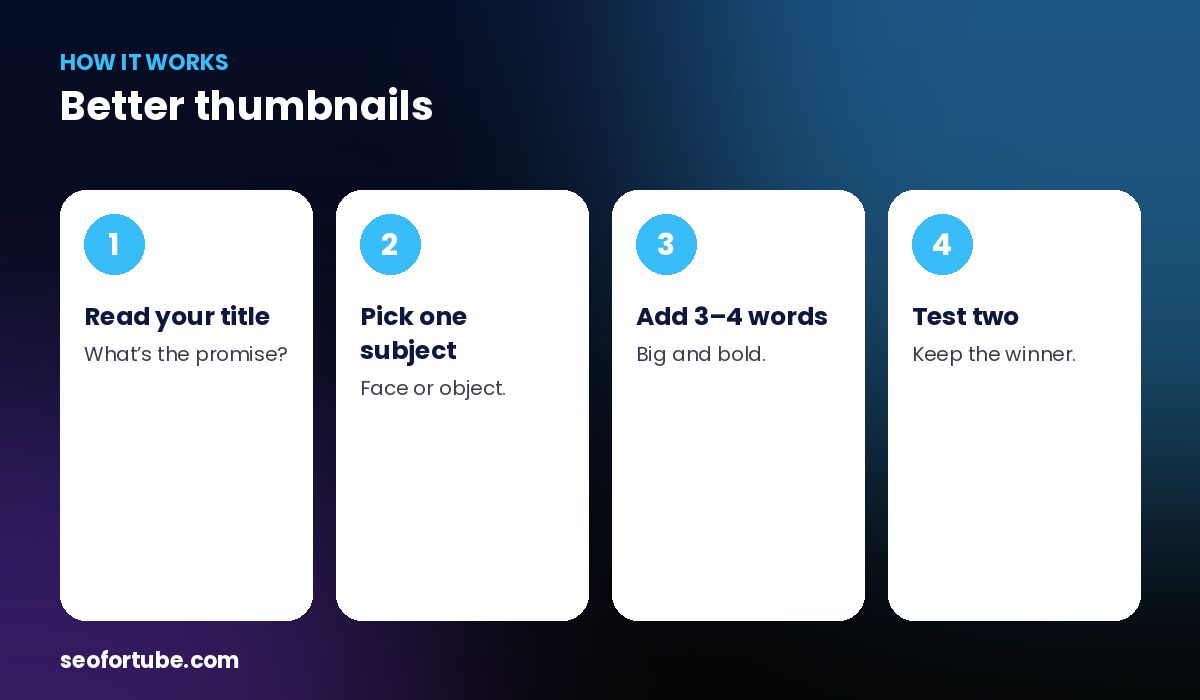
- Read your title — what’s the promise?
- Pick one subject — face or object.
- Add 3–4 words — big and bold.
- Test two — keep the winner.
Ideas for your topic
Thumbnail tools give ideas, text hooks and ready AI image prompts for your title.
Test two
Make two versions and use YouTube’s own test feature when available.
Example: before and after
A cluttered thumbnail with 9 words became: one surprised face, a big “₹0 ➜ ₹50,000?”, and a plain yellow background — far more readable on a phone.
Mistakes to avoid
- Too much text.
- Repeating the title.
- Busy backgrounds.
- Tiny faces.
Smart tips
- Check it at phone size.
- Use your channel colours.
- Keep faces large.
- One message per thumbnail.
Hindi mein samjhein
Achhe thumbnail: ek saaf chehra ya cheez, 3-4 bade shabd, tez rang, aur result dikhaiye. Thumbnail tools aapke topic ke ideas aur AI prompts dete hain.
FAQ
How many words on a thumbnail?
3–4.
Should the thumbnail repeat the title?
No, it should add to it.
Can AI make thumbnails?
Yes, with the right prompt.
Do faces help?
Often, with one clear emotion.