Regional languages are where the next wave of YouTube growth is. You can now make YouTube Shorts in Tamil, Telugu and Bengali — and 20 more languages — with a native AI voice and captions written in the language’s own script.
- Hindi, Hinglish, English (India), English (US), Marathi, Gujarati, Bengali, Tamil, Telugu, Kannada, Malayalam, Punjabi, Urdu, Odia and more, plus Spanish, Portuguese, Arabic and Indonesian for global audiences.
- 4 steps: Open your plan → Choose the language → Choose a voice → Make and upload.
- Write the title and description in the same language as the voice.
Who is this for?
Regional-language creators, and Hindi creators who want to test the same idea in Tamil, Telugu, Bengali or Marathi.
Languages you can use
Hindi, Hinglish, English (India), English (US), Marathi, Gujarati, Bengali, Tamil, Telugu, Kannada, Malayalam, Punjabi, Urdu, Odia and more, plus Spanish, Portuguese, Arabic and Indonesian for global audiences. The language list shows each name in its own script.
A Short in your language — step by step
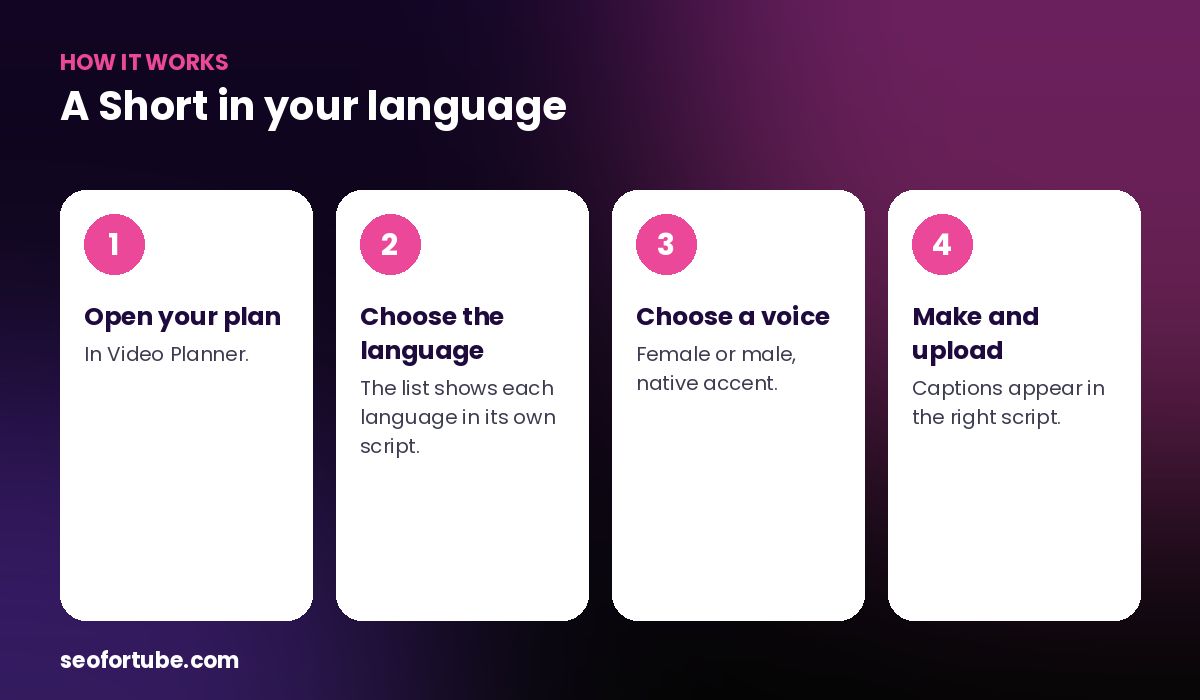
- Open your plan — in Video Planner.
- Choose the language — the list shows each language in its own script.
- Choose a voice — female or male, native accent.
- Make and upload — captions appear in the right script.
Why the right script matters
Viewers trust captions they can read instantly. Tamil captions in Tamil script, Bengali in Bengali — with fonts installed for every script and right-to-left support for Urdu and Arabic. If a font is ever missing, captions fall back to English letters so the video never fails.
One idea, many languages
Made a Short that works in Hindi? Make the same plan again in Tamil or Telugu. A second channel or a playlist per language can multiply your reach without new ideas.
Example: one idea, three languages
A tech-tips creator made a Short in Hindi about “phone battery mistakes”. It did well, so he made the same plan in Tamil and Telugu the next day — same idea, native voices, captions in Tamil and Telugu scripts.
He posted each version with a local-language title. The Tamil version found an audience his Hindi channel never reached, and he started a Tamil playlist with one Short a week.
Mistakes to avoid
- Translating the title badly. Use the word people actually search in that language.
- Posting all versions at once. Space them out so each gets its own attention.
- Using English captions for a Tamil voice. Viewers trust their own script.
- Forgetting the description. Write it in the same language as the video.
Smart tips
- Write the title and description in the same language as the voice.
- Use the local word for your topic in the title — that is what people search.
- Post regional versions at the local peak time.
- Reply to comments in the same language to build trust.
Hindi mein samjhein
Ab Shorts 23 bhashaon me ban sakte hain — Tamil, Telugu, Bengali, Marathi aur bahut saari. Awaaz us bhasha ki, aur captions usi bhasha ki lipi me.
FAQ
Is the Tamil voice a native accent?
Yes — each language uses its own native voice.
Do captions support right-to-left languages?
Yes, Urdu and Arabic are shaped and shown correctly.
Can I mix two languages?
Use Hinglish for Hindi-English mixing. Other languages work best on their own.
Read next
- Hindi AI Voiceover for YouTube Shorts — Natural Voice, Big Captions
- Word-by-Word Captions on Shorts: Why They Keep People Watching
- How to Make YouTube Shorts with AI Voice (No Camera, No Editing)
Make your next Short in Tamil, Telugu or Bengali.
Open Video Planner →