Scroll through any big Shorts channel and you will see it: big captions where the word being spoken lights up. Word-by-word captions for Shorts are not decoration — they hold attention, especially for viewers watching on mute or in a noisy place.
- Moving text pulls the eye.
- 4 steps: Make your plan → Make the video → Check readability → Upload.
- Keep each line short — long sentences make captions jump.
Who is this for?
Every Shorts creator — especially in niches where people watch on mute: commuters, office viewers and students.
Why they work
Moving text pulls the eye. When the highlighted word follows the voice, viewers read along without effort and stay longer. Higher watch time tells YouTube your Short is worth showing to more people.
Captions without editing — step by step
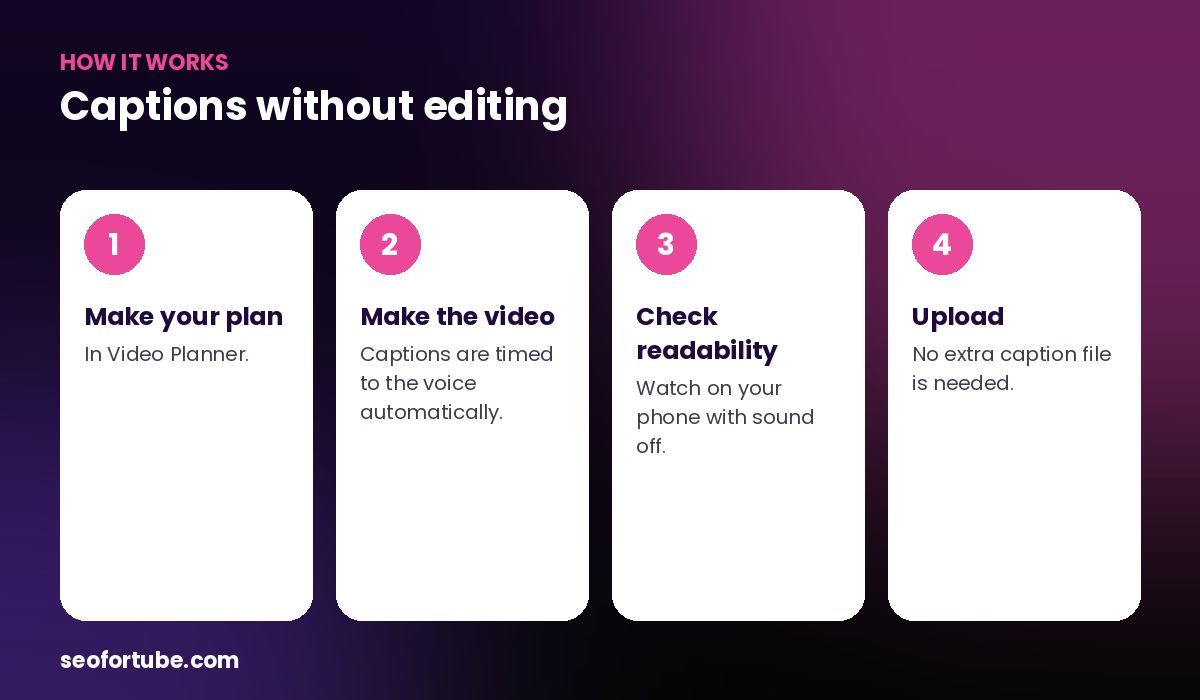
- Make your plan — in Video Planner.
- Make the video — captions are timed to the voice automatically.
- Check readability — watch on your phone with sound off.
- Upload — no extra caption file is needed.
How SEO for Tube places them
Captions sit in the middle of the frame, two to four words at a time, in a bold font with a soft outline. The current word changes colour exactly when it is spoken. A hook title shows for the first seconds and a thin progress bar runs at the bottom.
Readable in every language
Captions use the right font for Devanagari, Tamil, Bengali and other scripts, with complex shaping so joined letters look right.
Example: the same Short with and without captions
A creator posted two versions of a 30-second fact Short: one with only voice, one with word-by-word captions from the Shorts Maker. The captioned version kept people watching noticeably longer, because viewers on mute could still follow every line.
Since then every Short on the channel uses the same caption style — and viewers say they can “read” the channel in noisy places like buses and offices.
Mistakes to avoid
- Text on text. Do not add your own big text where the captions appear.
- Tiny fonts. Captions must be readable on a small phone.
- Changing styles every video. One style builds recognition.
- Skipping YouTube subtitles. Upload them too — they help search and accessibility.
Smart tips
- Keep each line short — long sentences make captions jump.
- Avoid putting your own text at the same place in the frame.
- Use one caption style for the whole channel.
- Add YouTube’s own subtitles too for search and accessibility.
Hindi mein samjhein
Word-by-word captions me bola ja raha shabd chamakta hai. Isse log video ant tak dekhte hain. Shorts Maker yeh captions apne aap awaaz ke saath jodta hai.
FAQ
Can I turn captions off?
The Shorts Maker always adds captions because they help retention.
Do captions work in Hindi script?
Yes, with proper Devanagari fonts.
Do captions help SEO?
Burned-in captions help watch time; upload subtitles too for search.
Read next
- How to Make YouTube Shorts with AI Voice (No Camera, No Editing)
- Make YouTube Shorts in 23 Languages — Tamil, Telugu, Bengali and More
- Faceless YouTube Shorts: Stock Clips + AI Voiceover in 2 Minutes
Every Short from Shorts Maker comes with word-by-word captions.
Open Video Planner →