Generic advice (“be consistent!”) doesn’t help much. A YouTube AI coach that knows your channel can answer “what should I upload this week?” for you.
- Channel Coach uses your Channel Brain (niche, audience, style) and your Channel Showcase scan, so answers fit your channel.
- 4 steps: Scan your channel → Ask one question → Act on one answer → Report back.
- Keep your Channel Brain up to date.
Who is this for?
Creators without a mentor who want specific next steps for their own channel.
It knows your channel
Channel Coach uses your Channel Brain (niche, audience, style) and your Channel Showcase scan, so answers fit your channel.
Coach routine — step by step
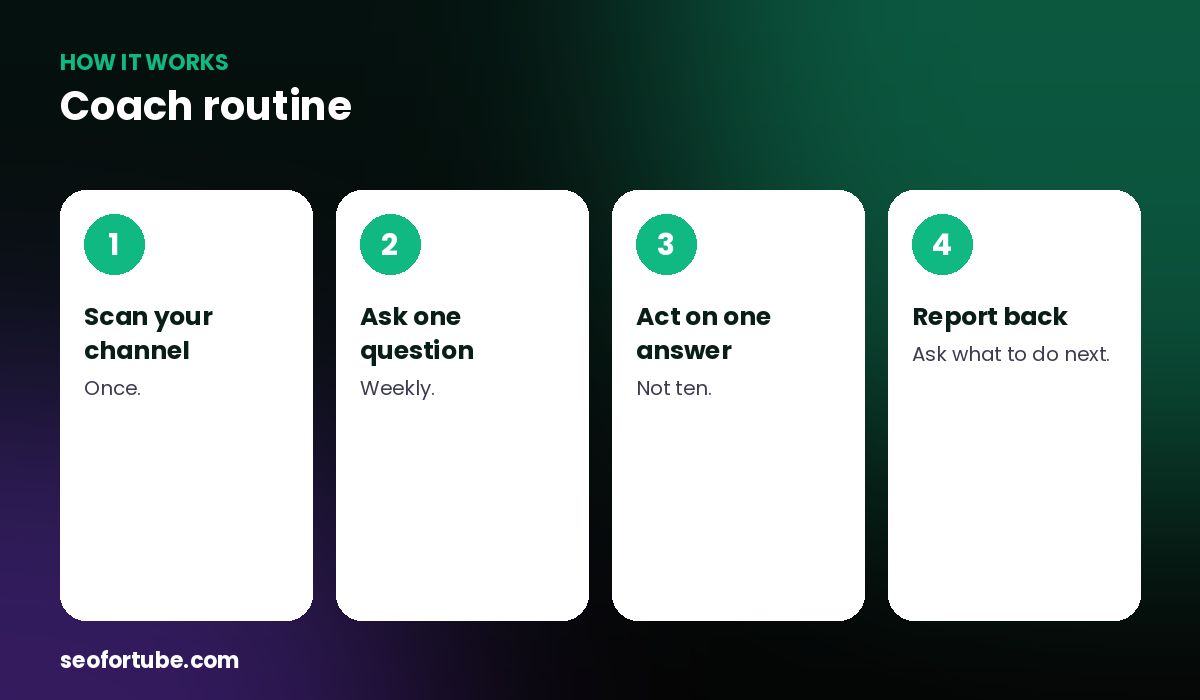
- Scan your channel — once.
- Ask one question — weekly.
- Act on one answer — not ten.
- Report back — ask what to do next.
What to ask
- What should I upload this week?
- Why did my last video get fewer views?
- Give me 5 title ideas for this topic
- How can my thumbnails be clearer?
Links to the right tool
When an answer needs a tool — SEO, a script, a Short — the coach points you there.
Example: a Monday routine
Every Monday a creator asks “what should I upload this week?”, picks one idea, makes the script and SEO, and uploads by Thursday.
Mistakes to avoid
- Vague questions. Be specific.
- Never scanning the channel. The coach knows less.
- Asking and not acting.
- Too many questions at once.
Smart tips
- Keep your Channel Brain up to date.
- Ask follow-up questions.
- Save useful answers.
- Use the coach before big changes.
Hindi mein samjhein
Channel Coach aapke channel ko jaanta hai — poochhiye "is hafte kya upload karun?" aur apne channel ke hisaab se jawab paiye, sahi tool ke link ke saath.
FAQ
Does it know my channel?
Yes, after a Channel Showcase scan.
Can I ask in Hindi?
Yes.
Does it cost coins?
The cost is shown before you send.
Is it a person?
No, it is an AI coach.