
There is no single magic hour. The best time to upload on YouTube in India depends on when your viewers are online. Upload Time works it out for you.
- A video’s first hours matter: if your audience is online, early views and comments come faster, and YouTube shows the video to more people.
- 4 steps: Open Upload Time → See the best day and hour → Schedule in Studio → Keep it consistent.
- Schedule 30–60 minutes before the peak.
Who is this for?
Creators who upload whenever the video is ready and wonder why the first hours are slow.
Why timing helps
A video’s first hours matter: if your audience is online, early views and comments come faster, and YouTube shows the video to more people.
Pick your time — step by step
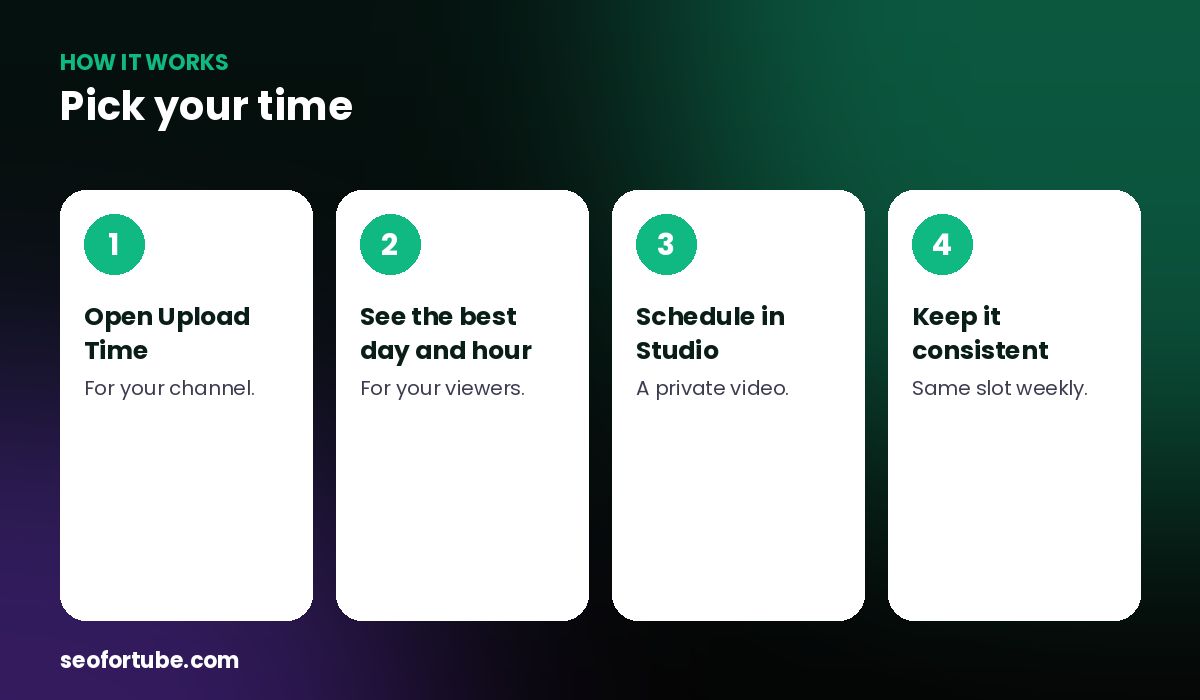
- Open Upload Time — for your channel.
- See the best day and hour — for your viewers.
- Schedule in Studio — a private video.
- Keep it consistent — same slot weekly.
Your best day and hour
Upload Time suggests the day and time to publish for your audience. Schedule in YouTube Studio so you don’t have to be awake.
General patterns
Many Indian audiences are active in the evening (7–10 pm) and on weekends — but your own data beats any rule.
Example: a student audience
An exam-prep channel found its viewers peak at 9–11 pm, not afternoon. Moving uploads to 8:30 pm gave noticeably faster first-hour views.
Mistakes to avoid
- Copying someone else’s time.
- Changing the slot every week.
- Publishing late at night by accident. Schedule instead.
- Ignoring Shorts timing.
Smart tips
- Schedule 30–60 minutes before the peak.
- Reply to comments in the first hour.
- Try two slots for a month each.
- Use the US Scheduler for US content.
Hindi mein samjhein
Upload karne ka sabse achha samay aapki audience par nirbhar hai. Upload Time aapke viewers ka din aur ghanta batata hai — Studio me schedule kar dijiye.
FAQ
Is there one best time for India?
No — evenings and weekends are common, but check your own audience.
Should Shorts go at the same time?
Test separately.
Can I schedule?
Yes, in YouTube Studio.
What about US viewers?
Use the US Scheduler in USA Studio.