
Creators who plan upload more consistently. A YouTube content calendar in Video Planner keeps every video — idea, script, SEO and date — in one place.
- With no topic typed, Video Planner suggests 5 ideas from your channel (Channel Showcase + Channel Brain).
- 4 steps: Get 5 ideas → Add dates → Write and SEO → Film or make.
- Batch scripts on one day.
Who is this for?
Creators who upload irregularly because every week starts with “what should I make?”.
Ideas without a blank page
With no topic typed, Video Planner suggests 5 ideas from your channel (Channel Showcase + Channel Brain).
Plan a month — step by step
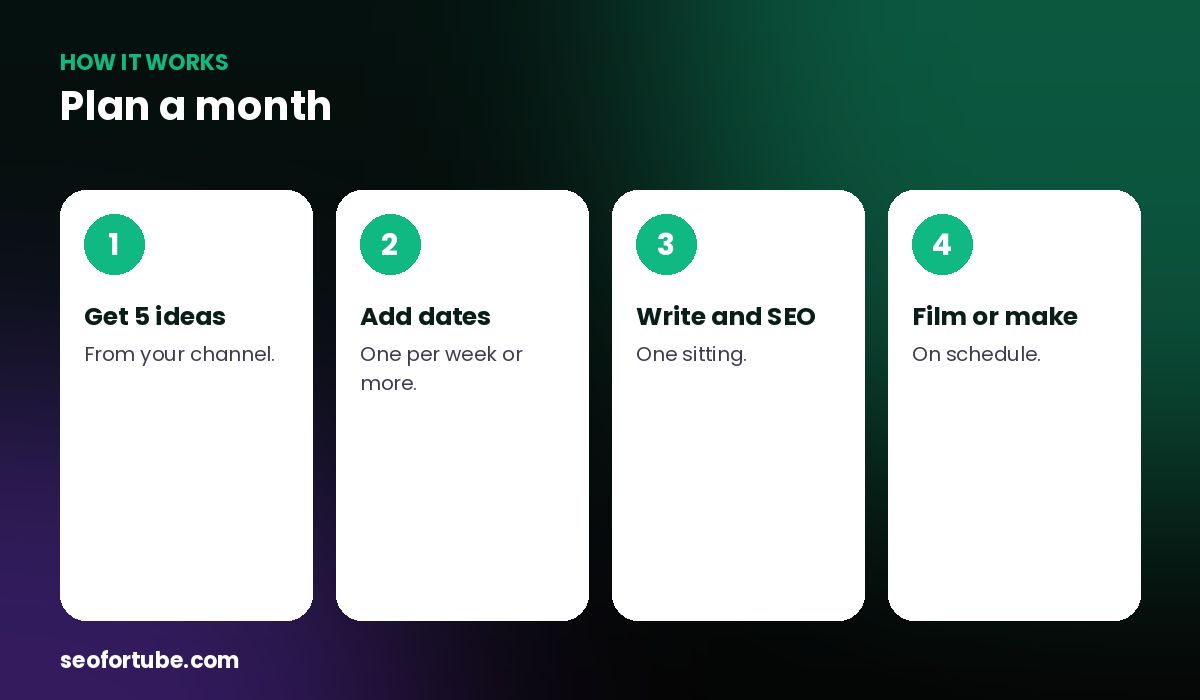
- Get 5 ideas — from your channel.
- Add dates — one per week or more.
- Write and SEO — one sitting.
- Film or make — on schedule.
Each video, every step
Idea → talking points or script → SEO (saved automatically) → publish. Long, Short or AI video.
A ready Short
“Make the video” creates a 9:16 Short with AI voice, captions and clean graphics or stock clips.
Example: one evening, four videos
A creator took 5 suggested ideas, kept 4, wrote talking points and SEO for each, and set four Thursdays — a full month planned in one evening.
Mistakes to avoid
- Planning too many videos. Start with 4.
- No dates.
- Skipping SEO until upload day.
- All the same format. Mix long and Shorts.
Smart tips
- Batch scripts on one day.
- Leave one slot for a trend.
- Use Upload Time for dates.
- Review the month every Sunday.
Hindi mein samjhein
Video Planner me mahine bhar ka content calendar — channel se 5 ideas, har video ka script, SEO aur tareekh, ek jagah.
FAQ
Can it suggest ideas?
Yes, 5 ideas from your channel.
Does it save SEO?
Yes, into each video.
Can it make videos?
Yes, Shorts with AI voice.
Are US plans included?
US plans stay in USA Studio.