Review and reaction channels live close to copyright rules. Understanding reaction video copyright helps you avoid claims and strikes.
Review mode gives you a copyright checklist and one-tap formats: review without spoilers, ending explained and first reaction.
- Short clips; your face, voice and analysis most of the time.
- No full songs, scenes or match highlights.
- Mark spoilers in the title.
If you get a Content ID claim
Trim the clip first. Dispute only when your use is truly transformative — commentary, criticism, review.
Why it matters for Indian creators
Indian YouTube is full of niche channels — exam prep, rashifal, mandi prices, recipes, devotional talks. Advice made for a general vlog often fails them. Getting reaction video copyright right means your plan follows how your viewers actually search.
In short: short clips; your face, voice and analysis most of the time.
Timing
Release-day and trailer-day videos get the most search. Plan them as soon as dates are out.
Common mistakes to avoid
- Promising results — profits, cures, exam selection.
- Skipping disclaimers on finance and health videos.
- Asking kids to comment on Made for Kids videos.
- Using long full clips from films or matches.
Pro tips
- Write the place, date or chapter in titles — specific titles win searches.
- Turn your best moment into a Short and link the full video.
- Keep a fixed upload day so viewers know when to come back.
- Run the Safety check for sensitive categories before every upload.
A real example
Ankit’s trailer reaction got a Content ID claim because he played the full trailer. Following the checklist, he now pauses after short clips, talks over most of the video and keeps his face on screen. His reactions add real opinions, and he has not had a claim since.
How to do it, step by step
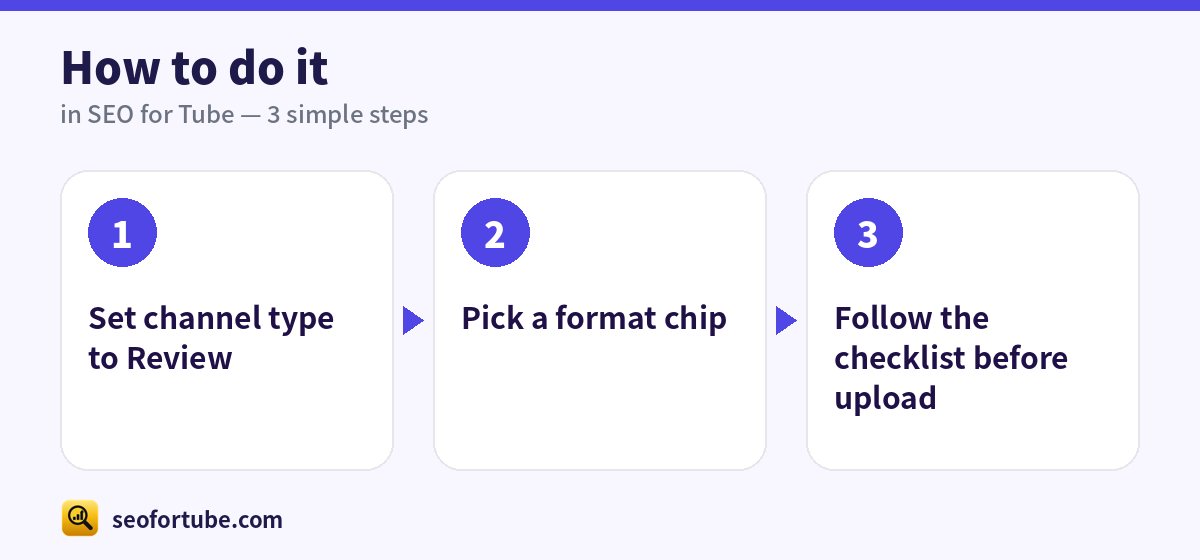
- Set channel type to Review
- Pick a format chip
- Follow the checklist before upload
Frequently asked questions
Is fair use the same in India?
Indian law has “fair dealing”; keep clips short and add real commentary.
Cricket highlights?
Do not reupload highlights; talk about the match instead.
How do I find my channel type?
Look at most of your videos. If most are news, choose News; if most are songs, choose Music. You can change it any time.
Does the channel type change my SEO?
Yes — titles, rules and helpers like the Safety check follow your type and category.
Summary
Movie Review and Reaction Videos: Short clips; your face, voice and analysis most of the time. No full songs, scenes or match highlights. Mark spoilers in the title.
Made for Indian creators — Hindi, Hinglish and every regional language, and easy on a phone.
Open Review mode →