Shorts are found mostly in the Shorts feed, but search and hashtags still matter. YouTube Shorts SEO is about clear words and a strong first second.
- Short and clear — the main word first.
- 4 steps: Generate SEO → Short title → 3–5 hashtags → Tags.
- Loop the end into the start.
Who is this for?
Shorts creators who skip SEO because they think it doesn’t matter for Shorts.
Titles for Shorts
Short and clear — the main word first. Two small lowercase hashtags at the end can help (e.g. #shorts #cooking).
Shorts SEO in 4 steps — step by step
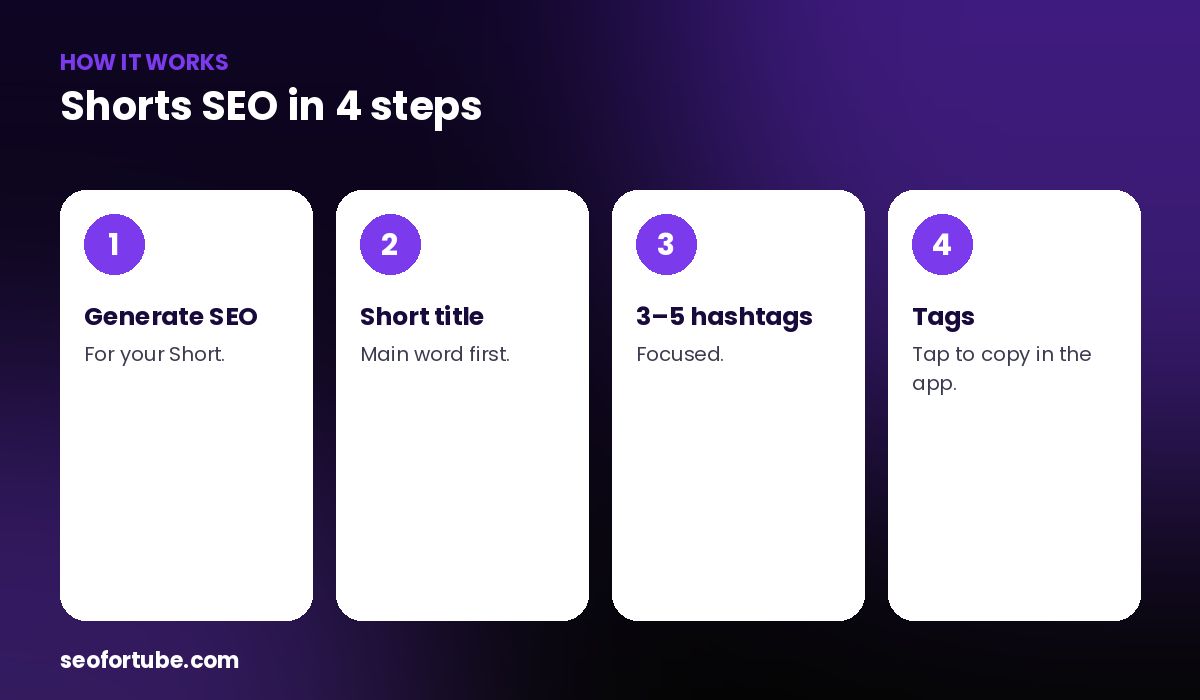
- Generate SEO — for your Short.
- Short title — main word first.
- 3–5 hashtags — focused.
- Tags — tap to copy in the app.
Hashtags and tags
Use 3–5 focused hashtags in the description. Tags can be added in the Studio app under more options — tap to copy them one by one.
The first second
Shorts are judged by whether people swipe away. Start with the result or a surprising line.
Example: a 30-second recipe
“Crispy Aloo Tikki in 30 Seconds #shorts #recipe” plus 4 food hashtags and 12 tags pasted one by one from the phone.
Mistakes to avoid
- Long titles. They get cut on the Short.
- 20 hashtags. Focus.
- Slow start.
- No tags at all. They still help.
Smart tips
- Loop the end into the start.
- Use the Shorts maker for faceless Shorts.
- Post at your audience’s time.
- Turn one long video into 3 Shorts.
Hindi mein samjhein
Shorts SEO: chhota saaf title (main shabd pehle), 3-5 khaas hashtags, Studio app me tags, aur pehle second me hook.
FAQ
Do Shorts need tags?
They help a little; add them in the Studio app.
How many hashtags?
About 3–5.
Should titles include #shorts?
It can help; keep it short.
Can I make Shorts here?
Yes, with Video Planner.