
Gamers search very specifically — game, mode, setting, moment. YouTube SEO for gaming channels means matching those exact words.
- Game name first, then the specific thing: “BGMI Best Sensitivity Settings 2026 (No Recoil)” beats “My Settings”.
- 4 steps: Game + specific topic → Generate SEO → Clip highlights → Series.
- Add the season or update number.
Who is this for?
Gaming creators whose gameplay is good but rarely appears in search.
Titles gamers click
Game name first, then the specific thing: “BGMI Best Sensitivity Settings 2026 (No Recoil)” beats “My Settings”.
Gaming SEO — step by step
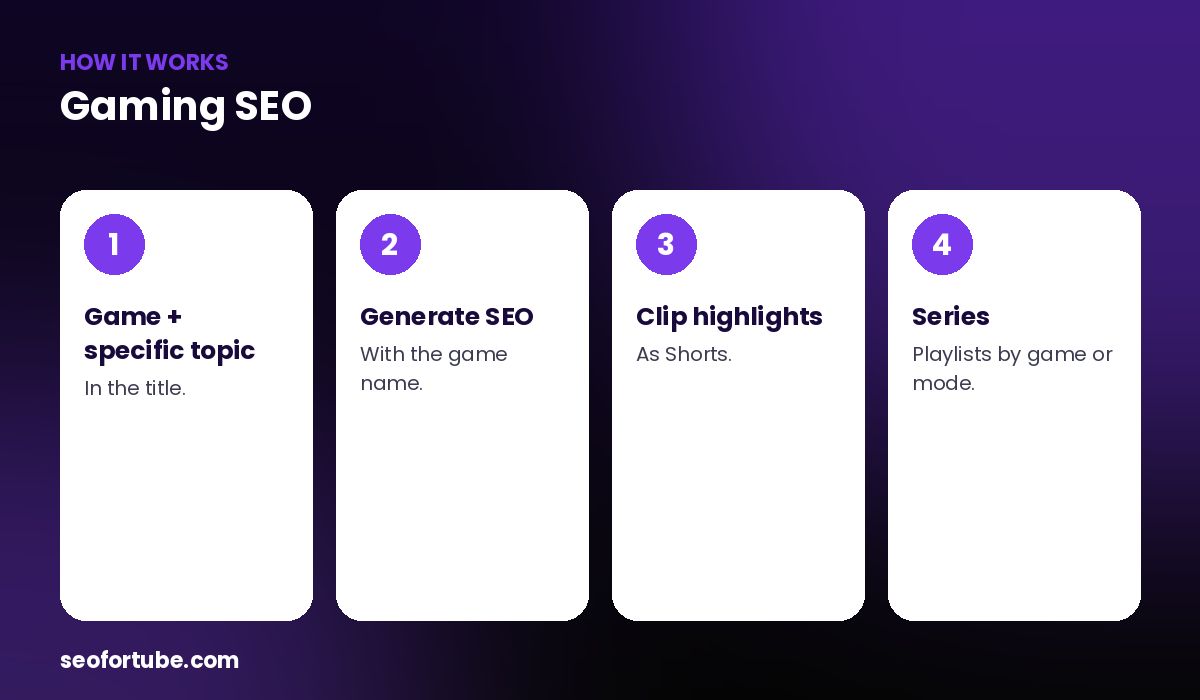
- Game + specific topic — in the title.
- Generate SEO — with the game name.
- Clip highlights — as Shorts.
- Series — playlists by game or mode.
Tags and hashtags
Game name, mode, version, setting names, and common spellings (e.g. “freefire” and “free fire”).
Highlights as Shorts
Your best 20–40 second moments make great Shorts that point to full videos.
Example: settings video
“Free Fire Sensitivity Settings for Low-End Phones (2026)” with tags for device names and spellings found far more search traffic than “my sensi”.
Mistakes to avoid
- Vague titles (“epic game”).
- Missing the game name.
- Copying streamers’ tags.
- No version/season.
Smart tips
- Add the season or update number.
- Use the language your community uses.
- Make tutorial-style videos too.
- Pin a question for comments.
Hindi mein samjhein
Gaming SEO: title me game ka naam pehle, phir khaas cheez (setting, mode, moment), tags me spellings, aur highlights ke Shorts.
FAQ
Should I include the game name?
Always, first.
Do settings videos rank?
Yes, they are heavily searched.
Are Shorts good for gaming?
Yes, for highlights.
Hinglish or English?
Whatever your audience types.