Use this YouTube description template for any video — or let the SEO Generator fill it for you.
- [Title][Main keyword] — in this video you’ll [what they learn/get: 2 specifics].
- 4 steps: Copy the template → Fill the first sentence → Add a question → Paste in Studio.
- Save your links as a footer.
Who is this for?
Creators who never know what to write in the description box.
The template
[Title]
[Main keyword] — in this video you’ll [what they learn/get: 2 specifics]. [A question for the comments?] If this helped, like it, share it with a friend and subscribe 🔔 for more.
🔍 Your Queries:
[3–15 search phrases]
#hashtag1 #hashtag2 #hashtag3
Use the template — step by step
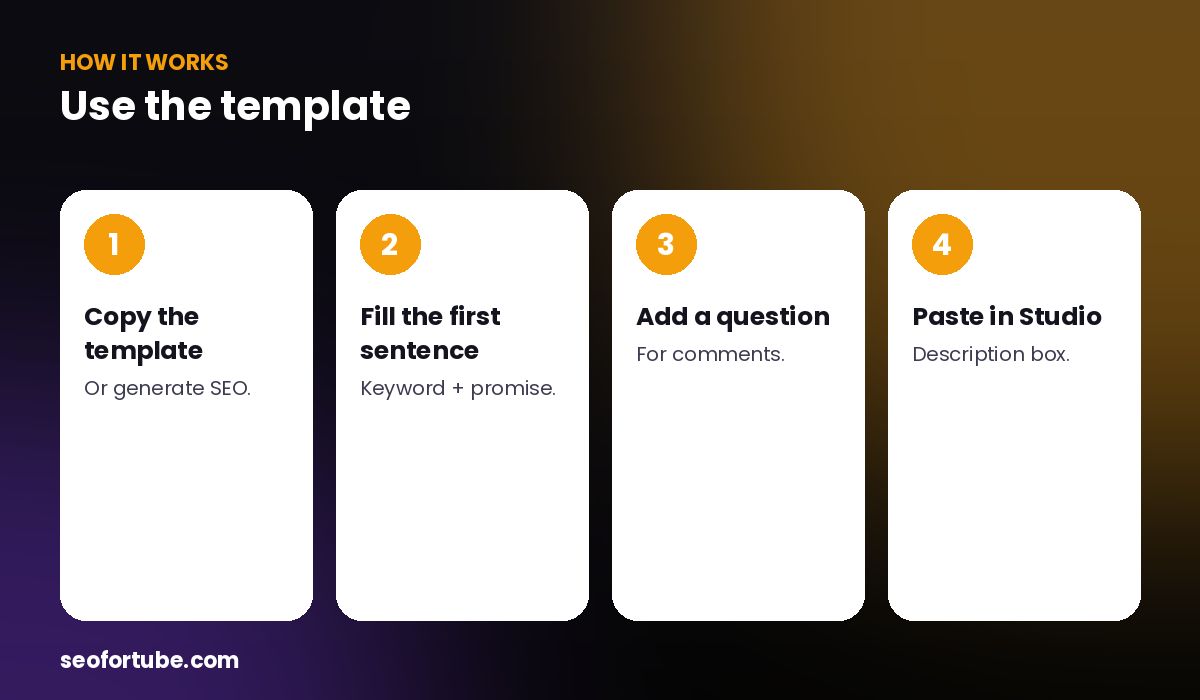
- Copy the template — or generate SEO.
- Fill the first sentence — keyword + promise.
- Add a question — for comments.
- Paste in Studio — description box.
Why this order
The first lines show in search before “…more”, so the keyword and promise come first. The question brings comments. Queries and hashtags help discovery.
Filled for you
The bottom Description button copies exactly this structure from your SEO result.
Example: filled template
“Budget Manali trip in ₹8,000 — in this video you’ll see the cheapest stay and food spots and a 3-day route. Have you been to Manali? Tell us in the comments! Like, share with your travel buddy and subscribe 🔔.”
Mistakes to avoid
- Starting with links. Keyword first.
- Walls of text.
- No question.
- Unrelated hashtags.
Smart tips
- Save your links as a footer.
- Add chapters for long videos.
- Keep the first two lines strong.
- Use your audience’s language.
Hindi mein samjhein
Description template: keyword aur fayda pehle, comment ke liye sawaal, like-share-subscribe, phir search phrases aur hashtags. SEO Generator ise apne aap bharta hai.
FAQ
How long should a description be?
A short paragraph plus queries and hashtags is enough.
Where do links go?
At the end, in your footer.
Do hashtags go at the end?
Yes.
Can the tool fill it?
Yes, the Description button.