Most creators manage their channel on a phone. SEO for Tube works as a YouTube SEO app for Android and iPhone — install it from the website in seconds.
- Android (Chrome): open seofortube.com → menu ⋮ → Install app / Add to Home screeniPhone (Safari): Share → Add to Home ScreenOr use the “Download the App” button in the site footer.
- 4 steps: Open seofortube.com → Install → Log in → Pin it.
- Place it next to the YouTube Studio app.
Who is this for?
Creators who do everything on their phone and want SEO one tap away.
How to install
- Android (Chrome): open seofortube.com → menu ⋮ → Install app / Add to Home screen
- iPhone (Safari): Share → Add to Home Screen
- Or use the “Download the App” button in the site footer
Install in 4 steps — step by step
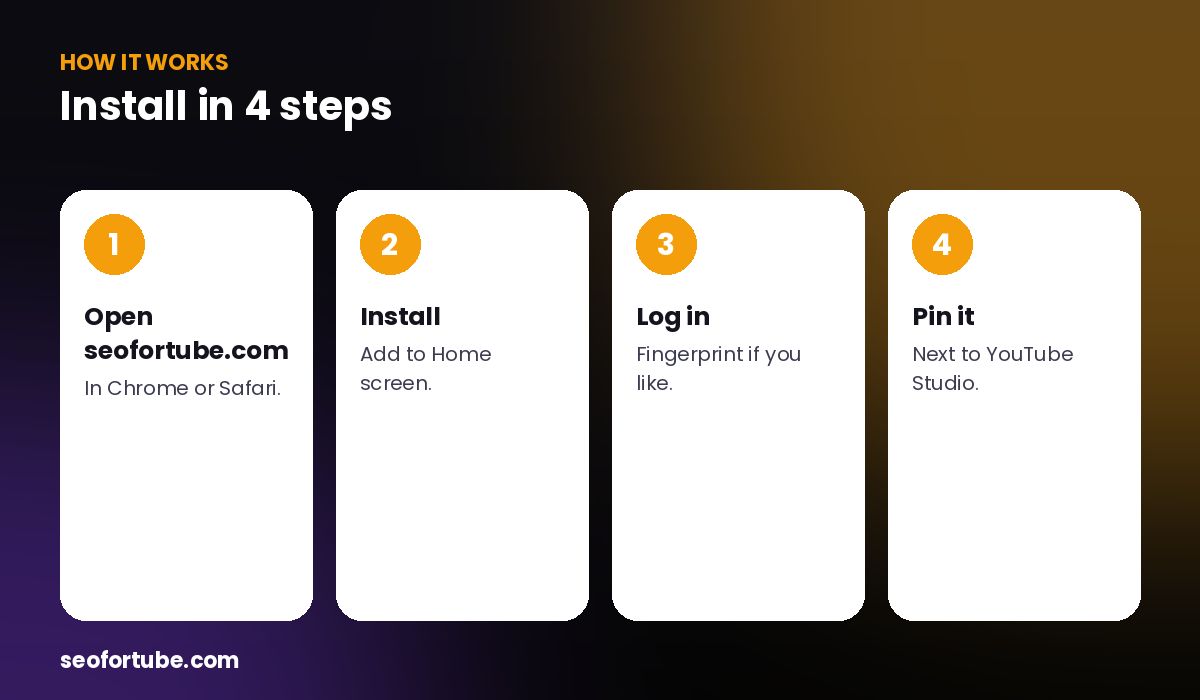
- Open seofortube.com — in Chrome or Safari.
- Install — Add to Home screen.
- Log in — fingerprint if you like.
- Pin it — next to YouTube Studio.
Made for one hand
Bottom buttons copy Title, Description and Tags; tap a tag to copy just that tag for the YouTube Studio app; fingerprint or face login; optional daily viral idea notification.
Same account everywhere
Your projects, scripts and channel scan are the same on phone and computer.
Example: the phone-only workflow
A creator films, edits and uploads on her phone. With the app next to YouTube Studio, she generates SEO, taps Title, Description and each tag, and switches apps to paste.
Mistakes to avoid
- Using a tiny browser tab. Install for full screen.
- Pasting all tags at once in the Studio app. Tap one by one.
- Not turning on notifications.
- Logging in every time. Use fingerprint login.
Smart tips
- Place it next to the YouTube Studio app.
- Turn on the daily viral idea.
- Use Explain in my language on the go.
- Keep the app updated by reopening it.
Hindi mein samjhein
SEO for Tube ko Android ya iPhone par app ki tarah install kijiye — full screen, Title/Description/Tags ek tap me copy, fingerprint login aur roz ka viral idea.
FAQ
Is there an Android app?
Yes — install it from the website.
Does it work on iPhone?
Yes, via Add to Home Screen.
Is the app free?
Installing is free.
Is my data the same as on the website?
Yes, same account.