
New here? This guide shows how to use SEO for Tube from your first login to your first optimized upload.
- Sign up with Google or emailAdd your channel link in Channel Showcase (it scans every video)Fix your top 3 “Fix these first” videos.
- 4 steps: Sign up → Scan your channel → Generate SEO → Copy three boxes.
- Install the app.
Who is this for?
New SEO for Tube users who want a simple first-week routine.
Day 1 — the basics
- Sign up with Google or email
- Add your channel link in Channel Showcase (it scans every video)
- Fix your top 3 “Fix these first” videos
Your first upload — step by step
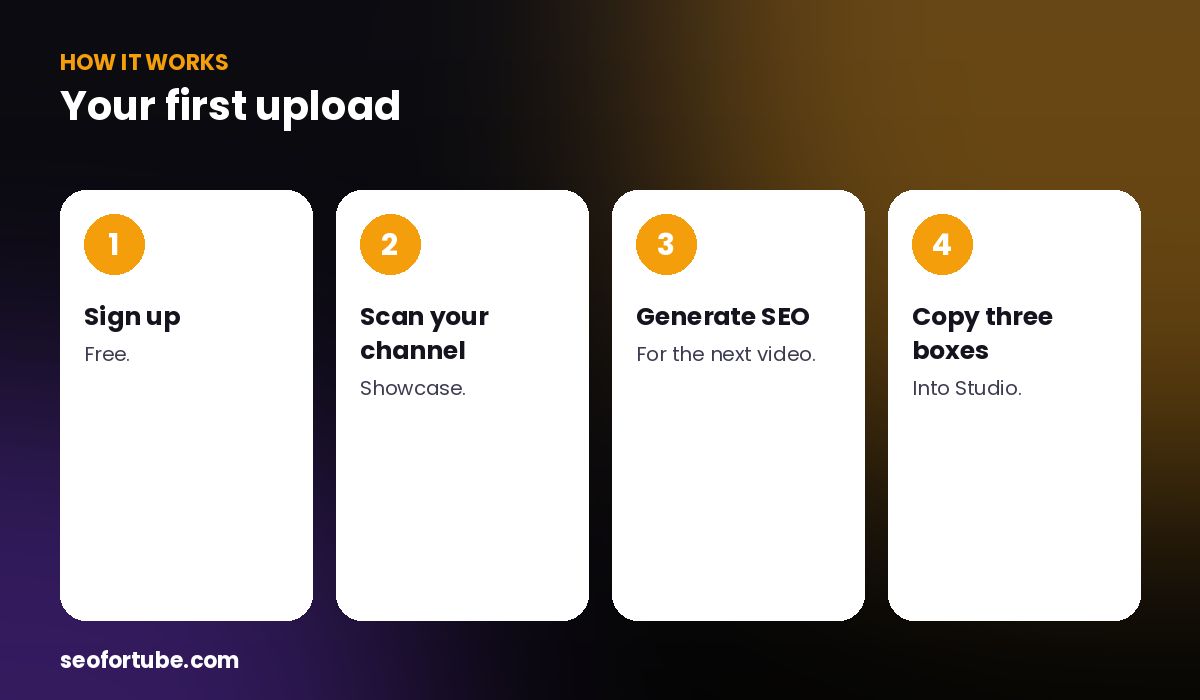
- Sign up — free.
- Scan your channel — Showcase.
- Generate SEO — for the next video.
- Copy three boxes — into Studio.
Every upload
- SEO Generator → type the topic
- Tap a title to choose it (⭐); mix titles if you like
- Bottom bar: Title, Description, Tags → paste in YouTube Studio
When you need more
Script Writer or Video to Script for scripts, Video Planner for a ready Short, Channel Coach for advice, and “Explain in my language” for any term.
Example: first 30 minutes
A new user scanned her channel, fixed two old videos, generated SEO for her next upload in Hinglish and installed the app on her phone — all in half an hour.
Mistakes to avoid
- Skipping the channel scan.
- Copying tags in one long paste on the phone. Tap one by one.
- Not choosing a title. Tap one to ⭐.
- Ignoring the help. Ask Support.
Smart tips
- Install the app.
- Use Explain in my language.
- Turn on the daily viral idea.
- Invite friends for coins.
Hindi mein samjhein
SEO for Tube kaise use karein: sign up → channel scan → 3 purane videos fix → har upload par SEO Generator → Title, Description, Tags teen tap me Studio me.
FAQ
Do I need to connect YouTube?
Only your public channel link for scans.
Can I use it on a phone?
Yes, install the app.
Where do I get help?
The Support button and Channel Coach.
Is there a tutorial video?
Yes, under Videos & tutorials.