
Hindi is one of YouTube’s biggest languages, but most tools think in English. A YouTube SEO tool in Hindi should give you titles, tags and descriptions that Hindi viewers actually search — in Devanagari or Hinglish.
- Pick Hindi for Devanagari script or Hinglish for Hindi in English letters.
- 4 steps: Type your topic → Pick the language → Generate → Copy to Studio.
- Use Hinglish if your comments are in Hinglish.
Who is this for?
Hindi-speaking creators who want SEO in their own language — and simple explanations of every term.
Hindi or Hinglish — you choose
Pick Hindi for Devanagari script or Hinglish for Hindi in English letters. Tags include common Roman spellings too, because many viewers type in English letters.
Hindi SEO in 4 steps — step by step
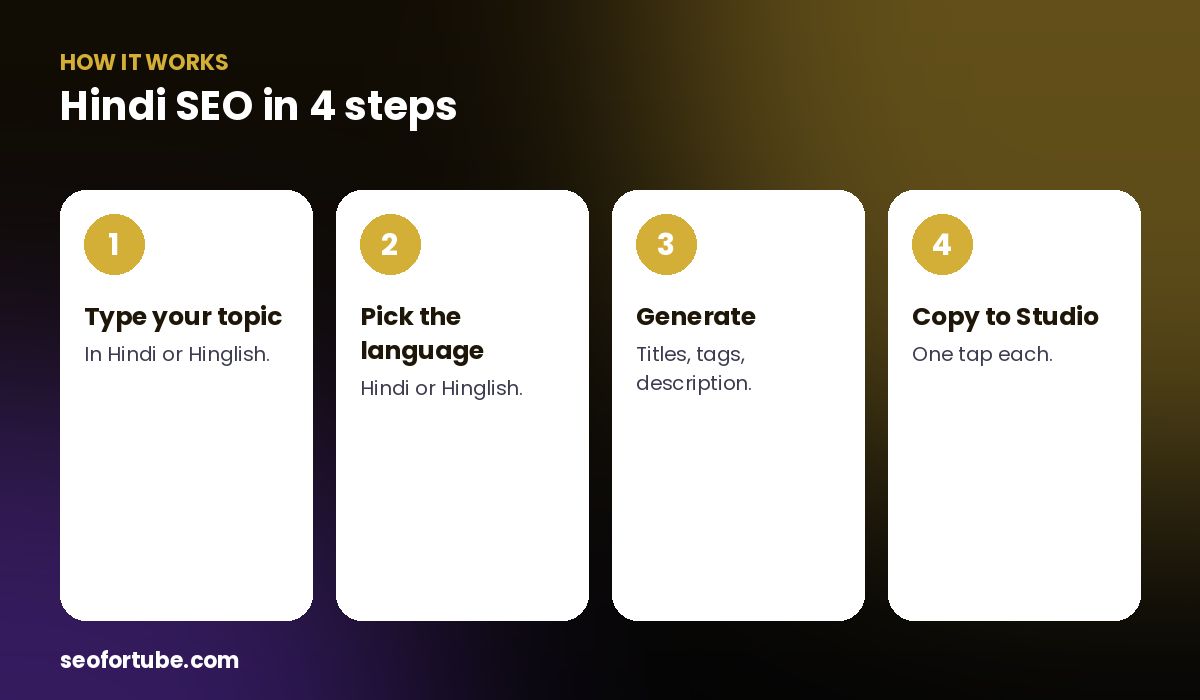
- Type your topic — in Hindi or Hinglish.
- Pick the language — Hindi or Hinglish.
- Generate — titles, tags, description.
- Copy to Studio — one tap each.
Explain in my language
New to SEO terms? Tap “Explain in my language” → हिंदी, and see what the title, description, tags, hashtags and keywords are, where to paste them, and what yours mean.
Description that brings comments
The description is one short paragraph with your keyword, a question for the comments, and a like–share–subscribe line — in Hindi.
Example: a Hindi devotional channel
A bhajan channel typed “हनुमान चालीसा अर्थ सहित” and got Hindi titles, Devanagari and Roman tags, and a short description ending with “कमेंट में जय श्री राम लिखिए…”.
Mistakes to avoid
- Only Devanagari tags. Add Roman spellings people type.
- English description for a Hindi video.
- Literal translations. Use what people search.
- No question for comments.
Smart tips
- Use Hinglish if your comments are in Hinglish.
- Keep the main word in the first 40 characters.
- Tap tags one by one on the phone.
- Use Explain to learn terms.
Hindi mein samjhein
Hindi YouTube SEO tool — Devanagari ya Hinglish me titles, tags aur chhota description, aur "Explain in my language" se har cheez ka matlab Hindi me.
FAQ
Can I get tags in Devanagari?
Yes, plus Roman spellings.
Does it support Hinglish?
Yes.
Is the description in Hindi?
Yes, in the language you choose.
Can it explain terms in Hindi?
Yes, with Explain in my language.