TubeBuddy vs vidIQ is one of the most searched YouTube tool questions. Both are respected tools. Here is a fair look at how they compare with SEO for Tube — so you can pick by what you actually need.
- You create in English on a laptop and want tools inside YouTube pages → a browser extension (TubeBuddy or vidIQ) is a natural fitYou create in Hindi, Hinglish or a regional language, often on a phone → SEO for Tube is built for thatYou also need scripts and Short videos → SEO for Tube includes Video to Script, Script Writer and a Shorts maker.
- 4 steps: Your language? → Your device? → Need scripts or Shorts? → Old videos?.
- Test on one upload before deciding.
Who is this for?
Creators stuck choosing between YouTube tools who want a fair, simple way to decide.
A simple way to choose
- You create in English on a laptop and want tools inside YouTube pages → a browser extension (TubeBuddy or vidIQ) is a natural fit
- You create in Hindi, Hinglish or a regional language, often on a phone → SEO for Tube is built for that
- You also need scripts and Short videos → SEO for Tube includes Video to Script, Script Writer and a Shorts maker
Pick in 4 questions — step by step
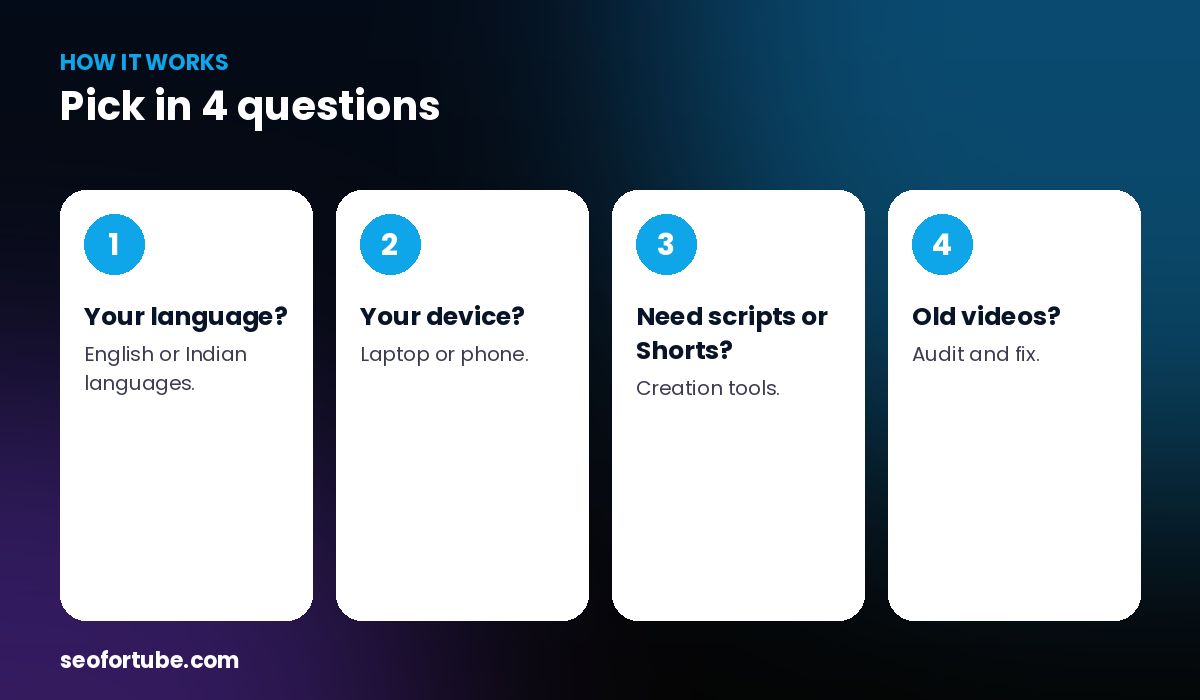
- Your language? — English or Indian languages.
- Your device? — laptop or phone.
- Need scripts or Shorts? — creation tools.
- Old videos? — audit and fix.
What all three help with
Titles, tags, keyword ideas and channel insights. The difference is focus: where and how you work, and which language your audience searches in.
You don’t have to pick only one
Some creators use an extension for quick checks on a laptop and SEO for Tube for scripts, Shorts and Hindi SEO on the phone.
Example: two creators, two choices
An English tech reviewer on a laptop kept his extension for in-page checks. A Hinglish lifestyle creator who films and uploads on her phone switched to SEO for Tube because tags, titles and scripts work with taps.
Mistakes to avoid
- Choosing by popularity only. Choose by your workflow.
- Paying for features you won’t use.
- Ignoring language. It decides your search traffic.
- Never testing. Try each on one real video.
Smart tips
- Test on one upload before deciding.
- Check the language of the suggestions.
- Count how many taps your routine takes.
- Keep your workflow simple.
Hindi mein samjhein
TubeBuddy aur vidIQ achhe tools hain. English + laptop ke liye extension theek hai; Hindi/Hinglish + phone + script/Shorts ke liye SEO for Tube behtar fit hai.
FAQ
Which is best for beginners?
The one that fits your language and device — try each on one video.
Is SEO for Tube an extension?
It is a web app (installable), with a Chrome extension too.
Can I use two tools?
Yes.
Which is best for Hindi?
SEO for Tube is built around Hindi and Hinglish.