You pasted a better title and description in YouTube Studio — now check the YouTube video SEO score to make sure the change is live. One tap reads the video again and updates the score.
- Showcase reads the video’s current title, description and tags from YouTube (no coins used).
- 4 steps: Paste the fix in Studio → Tap Check again → See the new score → Add anything missing.
- Check again after every fix.
Who is this for?
Anyone who updates videos in YouTube Studio and wants to be sure the change is live.
How “check again” works
Showcase reads the video’s current title, description and tags from YouTube (no coins used). If they changed, your new score appears, the card glows green, and a fixed video shows “✅ SEO fixed” for 7 days instead of asking you to fix it again.
Confirm your fix — step by step
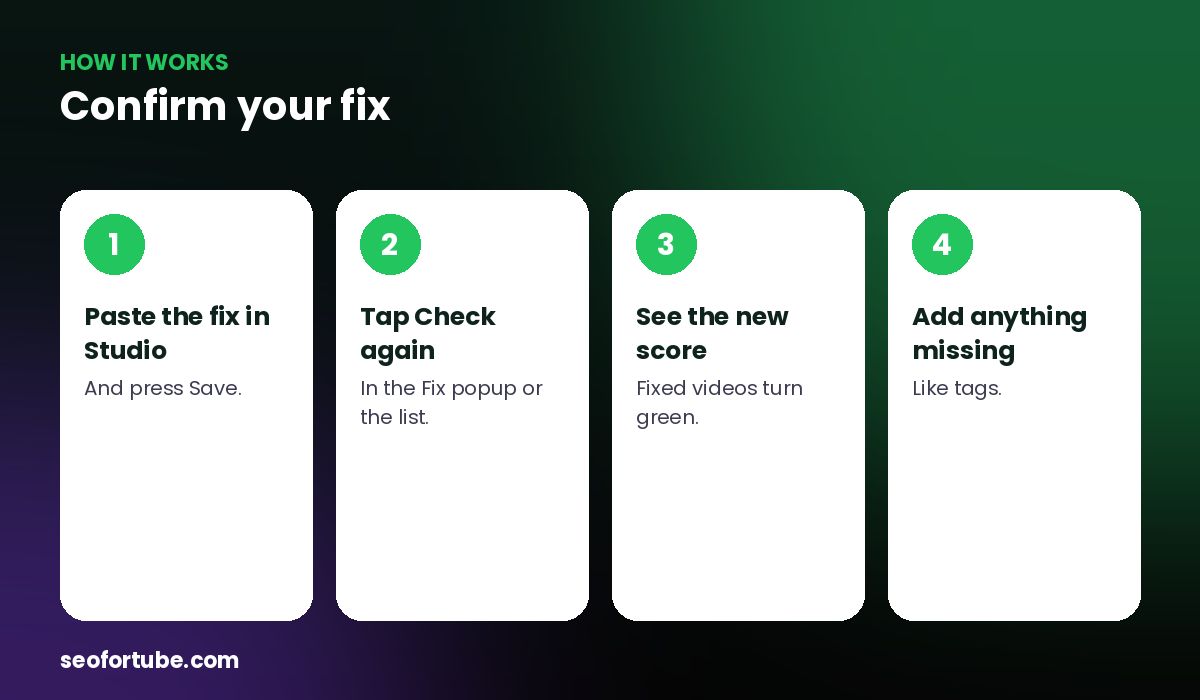
- Paste the fix in Studio — and press Save.
- Tap Check again — in the Fix popup or the list.
- See the new score — fixed videos turn green.
- Add anything missing — like tags.
If only part is live
If the title and description are new but the tags are missing, you see “Almost done — still missing: tags”, with a “Copy my tags” button that opens the tags step.
If nothing changed
You will be reminded to press Save in YouTube Studio — changes can also take 2–5 minutes to show.
Example: the missing tags
A creator pasted the new title and description but skipped tags. Check again showed SEO 60 and “Almost done — still missing: tags”. She tapped “Copy my tags”, pasted them under Show more → Tags, checked again, and saw SEO 93 with “✅ SEO fixed”.
Mistakes to avoid
- Not pressing Save in Studio. The old version stays live.
- Checking within seconds. Give YouTube a couple of minutes.
- Forgetting tags on Shorts. They hide under Show more.
- Fixing the same video again. Excellent SEO means nothing to fix.
Smart tips
- Check again after every fix.
- Use the green “fixed” badge to track progress.
- Re-scan the whole channel monthly.
- Fix the next video in “Fix these first”.
Hindi mein samjhein
YouTube Studio me naya SEO lagane ke baad “Updated on YouTube — check again” dabaiye. Naya score turant dikhega, aur fix ho chuka video hara dikhega.
FAQ
Does checking again cost coins?
No.
Why does it still show the old title?
Press Save in Studio and wait a few minutes.
What does “Almost done” mean?
Part of the fix — often tags — is not live yet.
Will a fixed video ask to be fixed again?
No, not while its SEO is good.